 clipoven
You’re halfway through a stream, the play just happened, chat is clipping in real time, and you already know the problem. The raw VOD is good, but the useful moment is buried, the face cam needs to be combined with gameplay, and the final export still has to work as a vertical short on TikTok, Shorts, or Reels. That’s why the best gaming video editor isn’t the one with the longest feature list, it’s the one that matches the job you need done, from capture and highlight detection to polishing, reframing, and publishing.
The market context backs that up. Gaming clips are moving through a huge discovery pipeline, with more than 67 million gaming-related YouTube Shorts posted in 2025 and Twitch still massive at 19.2 billion gaming hours watched that same year, while YouTube Gaming recorded 8.8 billion hours viewed Hatchet. At the same time, the editing market and short-form app ecosystem keep growing, which helps explain why streamers now split their stack across capture-first tools, AI-assisted clippers, social editors, and pro finishing suites Mordor Intelligence DataIntelo. The list below follows that pipeline, starting with tools built to find moments and ending with editors built to finish them well.
Table of Contents
- 1. ClipOven
- 2. Adobe Premiere Pro
- 3. DaVinci Resolve Free and DaVinci Resolve Studio
- 4. VEGAS Pro
- 5. CapCut
- 6. Wondershare Filmora
- 7. Outplayed by Overwolf
- 8. Medal.tv
- 9. Eklipse
- 10. Powder
- Top 10 Gaming Video Editors, Feature Comparison
- Build a Gaming Editing Stack That Scales
1. ClipOven
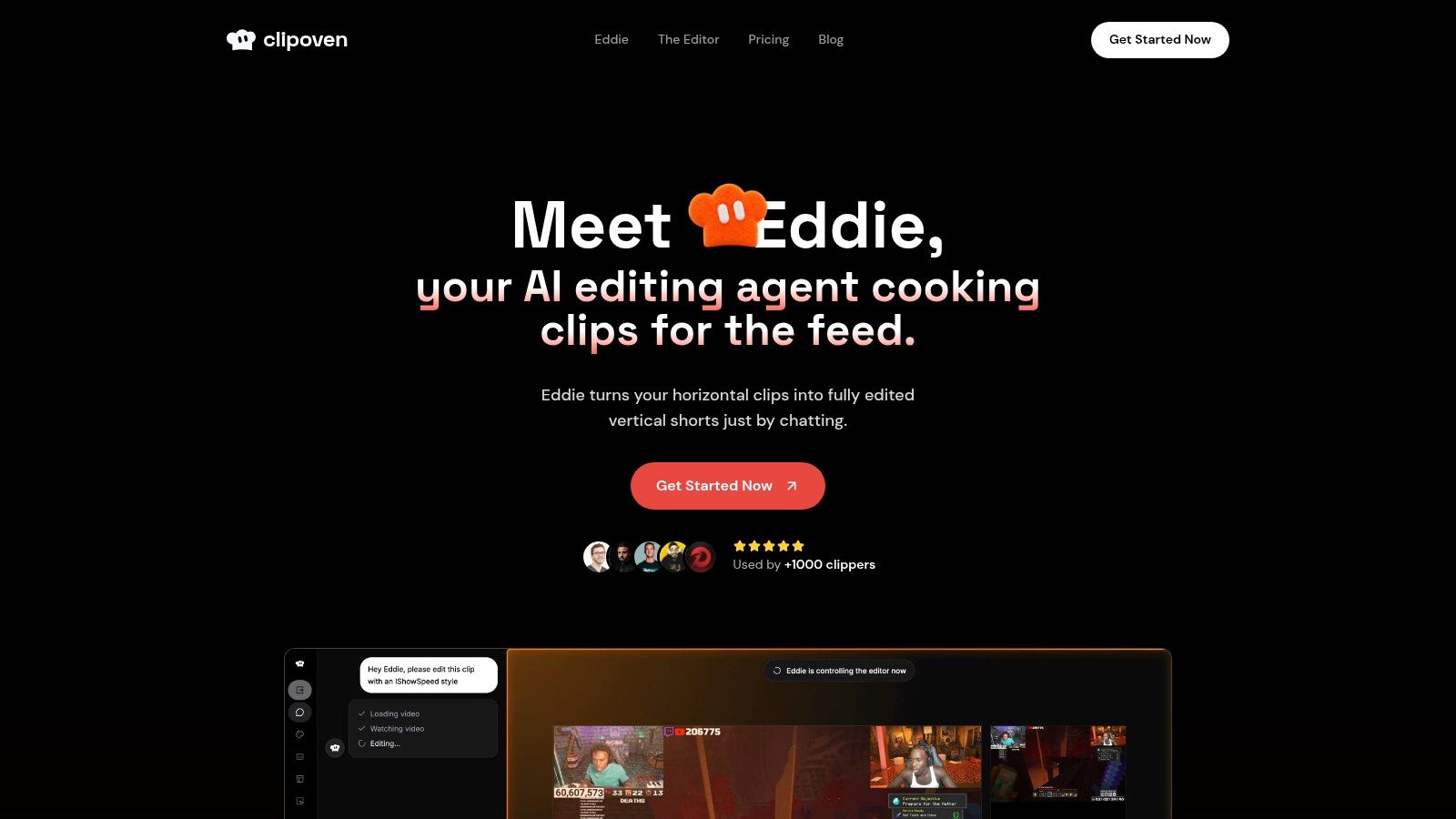
ClipOven fits the part of the workflow where a long gameplay session has already produced a usable moment, but the clip still needs to be shaped for vertical feeds. It combines AI-assisted assembly with a full timeline editor, so you can move from rough highlight to publishable short without handing control over to automation. Visit the product at ClipOven.
Why it stands out for gaming clips
The strongest part of ClipOven is the handoff between Eddie, its chat-driven editing agent, and the manual editor. You can describe the clip you want, let Eddie propose cuts, captions, and effects, then adjust timing, transitions, and pacing in the timeline. That matters for gaming content, because the raw moment often exists, but the first pass still needs narrative cleanup so a viewer who never watched the stream can follow it.
Practical rule: if the clip has to make sense on its own, use AI to find the shape of the moment, then use the timeline to remove dead air and tighten the setup.
ClipOven is also built for vertical presentation. Subject-centric reframing helps convert 16:9 gameplay into 9:16, animated captions can be tuned for voice and timing, and you can add audio effects, images, GIFs, and stickers without moving to another app. That makes it a better fit for highlights that need more than a simple crop, especially when the player, HUD, and key action all have to stay readable on a phone screen.
Trade-offs and pricing to consider
The trade-off is depth. ClipOven is aimed at repeatable short-form output, not long-form finishing with multicam complexity, advanced grading, or studio-style compositing. It also uses credits, so high-volume creators need to watch usage more closely than they would with a general subscription editor that allows unlimited timeline work.
The pricing model is clear enough to plan around. Hobby includes 1,000 credits per month, which the plan guidance describes as roughly eight 1-minute clips, while Pro offers 3,000, 7,000, or 10,000 credits depending on tier, which translates to about 30, 70, or 140 1-minute clips. Every plan includes unlimited daily project creation, Eddie access, full editor access, and 2K exports, so the decision is output volume, not feature gating.
2. Adobe Premiere Pro
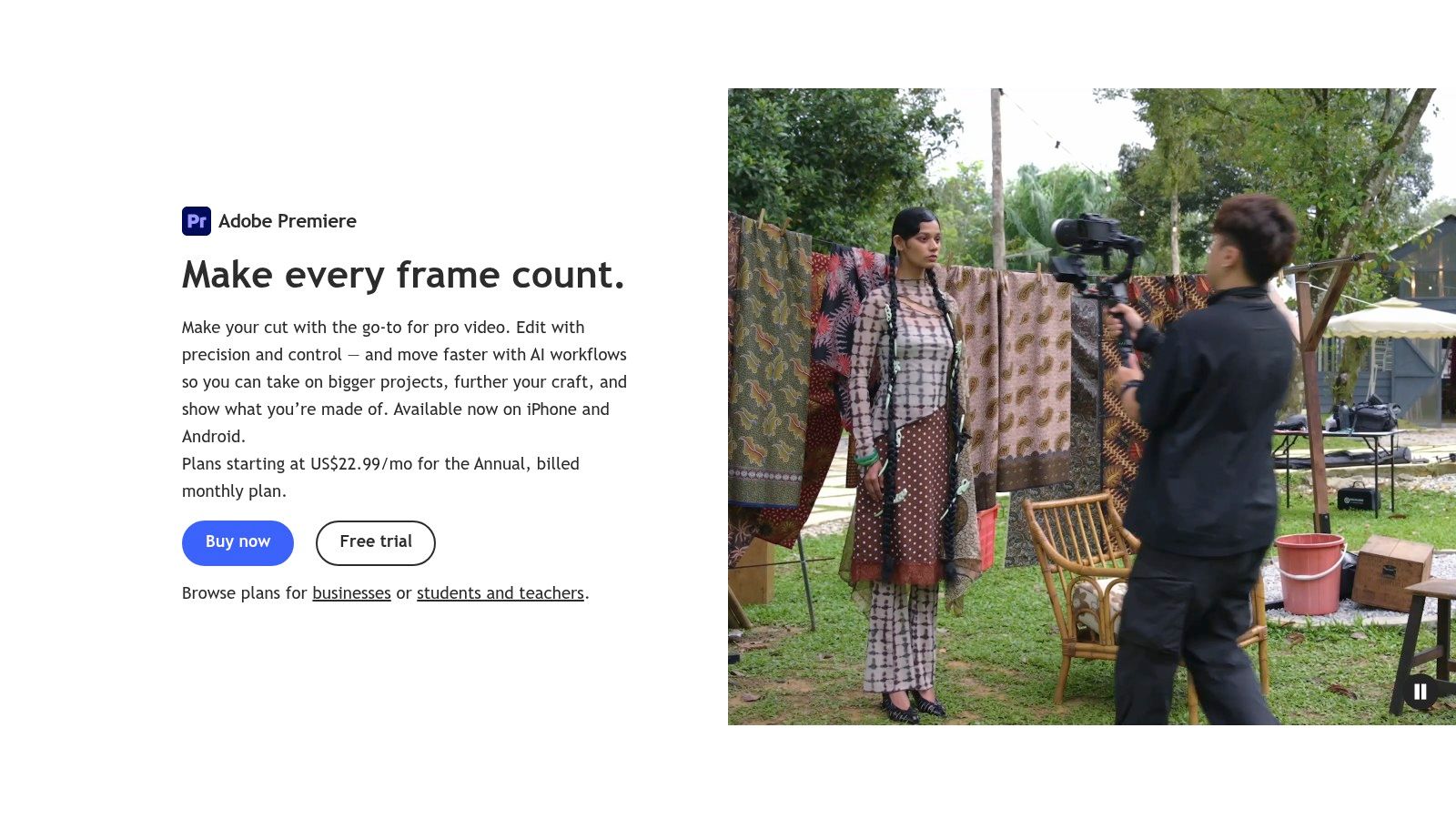
Adobe Premiere Pro fits gaming content that has to move between raw VODs, highlight reels, and social cutdowns without changing editors or project structure. It gives teams a professional finishing environment for YouTube uploads, Shorts, and internal review, while still handling long gameplay sessions in the same timeline. The official product page is Adobe Premiere Pro.
Best for pro timelines and team review
Premiere’s main strength is timeline control. It works as a full NLE, so editors can cut long-form gameplay, build montage sequences, and refine pacing with more precision than a social-first trim tool. Proxy workflows help when footage is high-FPS or 4K, text-based editing speeds up rough assembly, and native 9:16 sequences make vertical versions easier to prepare for platforms that need them, including the guide to YouTube video size ratio.
The Adobe stack also matters in a gaming workflow. Photoshop, After Effects, and Frame.io cover thumbnail work, motion graphics, and review comments, which helps when one person is cutting the gameplay and another is handling graphics or notes. That matters most for teams that need clean handoffs instead of patching together separate apps.
Where it loses ground to gaming-first tools
Premiere asks more from the editor than CapCut, Filmora, or an AI-first clipper. The learning curve is steeper, and lower-end systems can struggle with heavy 4K or high-FPS footage. The trade-off is clear, more depth and broader integration, but less speed for quick clip extraction.
For gaming creators, that makes workflow fit the deciding factor. Premiere does not find the moment for you, so it is a poor first stop if the bottleneck is locating the punchline in a long VOD. It makes more sense once the clip already exists and needs tighter pacing, audio cleanup, motion work, and a review loop that a pro team can manage.
Good fit: creators who already need multicam control, precise audio work, motion graphics, and a pro review loop.
3. DaVinci Resolve Free and DaVinci Resolve Studio
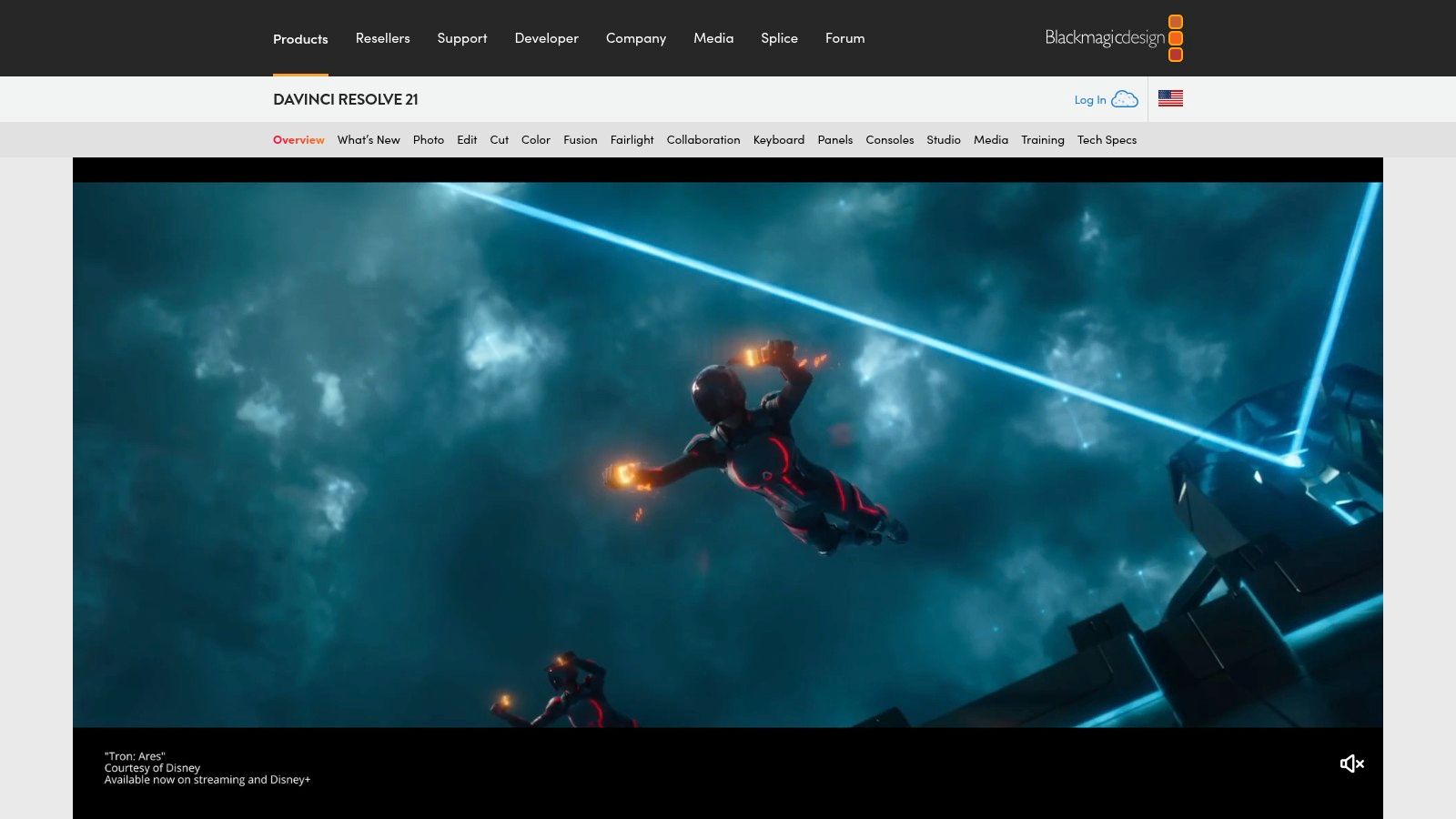
DaVinci Resolve is the best value proposition for editors who want serious finishing power without defaulting to a subscription-heavy workflow. The free version is unusually capable, and Studio adds advanced tools with a perpetual license model, which is a strong long-term fit for creators who keep editing year after year. The official site is DaVinci Resolve.
Strongest for color, audio, and polished finishing
Resolve’s calling card is still its finishing stack. The color tools are elite, Fairlight gives you a serious audio environment, and Fusion opens the door to node-based VFX, 3D text, HUD overlays, and kill-cam style graphics. That makes it a natural choice for creators who want their gaming edits to feel cinematic, especially for tournament packages, trailer-style montages, or branded segments.
Resolve 19 also brings newer AI-assisted features like text-based editing and Magic Mask, which help speed up certain editing tasks without turning the whole app into a social template machine. That matters because the software keeps a professional backbone while still shaving time off repetitive tasks.
Why it’s not the easiest short-form option
Resolve can absolutely produce Shorts-ready or Reels-ready content, but it won’t feel as frictionless as a purpose-built clipper. Fusion’s node workflow, in particular, takes time to learn. If your team wants one-click meme captions and ready-made vertical punch-ups, Resolve will feel heavier than it needs to.
The upside is long-term flexibility. If a creator starts with gameplay highlights and later expands into sponsor reads, cinematic intros, or event packages, Resolve can grow with them without forcing a platform change. That’s a meaningful advantage for streamers who treat editing as part of a broader production pipeline rather than a quick social task.
4. VEGAS Pro
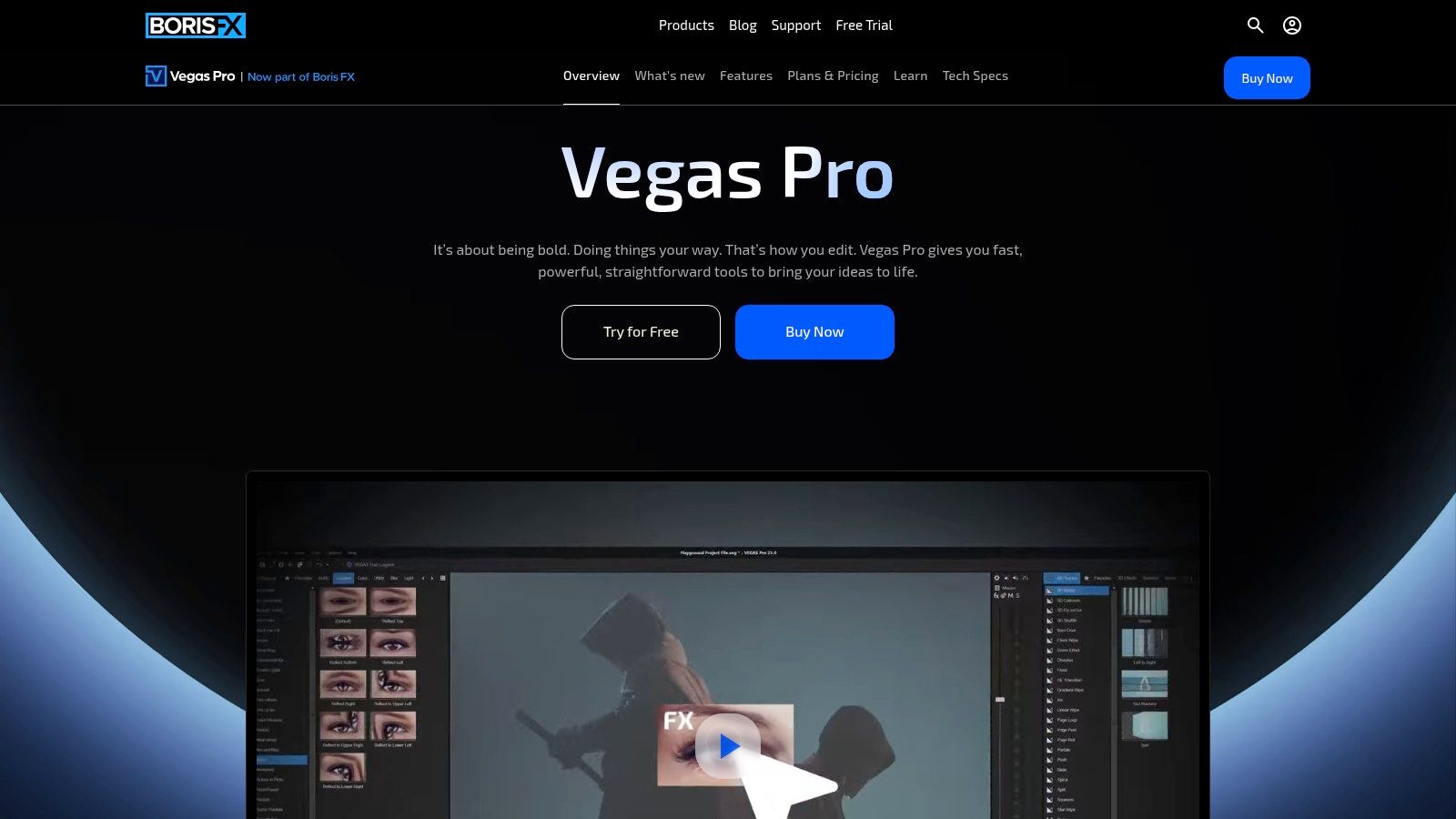
VEGAS Pro still earns a place in gaming workflows because it favors speed, keyboard-driven trimming, and responsive timeline work. That’s useful for editors who cut a lot of fast highlights, especially when the pacing depends on quick decisions rather than elaborate effects stacks. The current product page is VEGAS Pro.
Built for fast highlight assembly
Gaming editors often care less about theoretical breadth and more about how quickly they can land the next cut. VEGAS has long appealed to that audience because the timeline feels immediate, and features like nested timelines, stabilization, speech-to-text, and audio ducking support the kind of rapid cleanup gaming clips need. If you’re assembling a clutch moment reel from several recordings, that responsiveness matters.
Under the Boris FX umbrella, the platform also plugs into a broader effects and training ecosystem, which helps if you want to expand beyond the basics. The perpetual license option is another real advantage for creators who dislike being locked into a monthly software bill.
The main compromise
VEGAS is not the first stop for the widest plugin library or the biggest community momentum, and that matters more than people admit. Premiere and Resolve have broader up-to-date tutorial ecosystems, which can shorten the learning curve when you hit a problem in the middle of production. If you’re teaching an assistant editor or handing the project off, that difference becomes more obvious.
Still, for fast-paced gameplay work, VEGAS remains a practical editor rather than a nostalgic one. It’s especially appealing if your process is trim, sequence, refine, export, not build elaborate motion systems from scratch.
5. CapCut

CapCut fits the part of the gaming workflow where a strong moment already exists and needs to become a postable clip fast. It is built for streamers and short-form creators who care more about turning VOD highlights into vertical output than about building a long-form edit from scratch. The product page is CapCut.
Fastest path from clip to post
CapCut reduces the amount of manual setup between capture and upload. Auto-captions, stylized text templates, social-ready layouts, and automatic 9:16 reframing help gaming clips arrive in a format that already matches short-form platforms. Cloud sync across web, desktop, and mobile also matters for creators who start a cut on one device and finish it on another.
That workflow lines up with phone-first publishing habits, which is why CapCut works well for creators who need to move a highlight from rough clip to finished short with limited friction. For teams comparing automation-first editors, automatic video editor workflows show why this category is now tied to speed, not just convenience.
Where it stops being enough
The trade-off is finishing depth. CapCut is useful for packaging, but it is not built for detailed color correction, layered audio work, or advanced VFX. Some features also sit behind paid tiers depending on platform and region, so the exact toolset can vary more than creators expect.
That makes CapCut a good downstream editor, not a full replacement for a pro NLE. If your gaming workflow begins with a polished moment and ends with a captioned vertical post, it is efficient. If the job starts with a complex multi-cam session or a heavily refined montage, CapCut is better as the last pass than the main timeline.
6. Wondershare Filmora
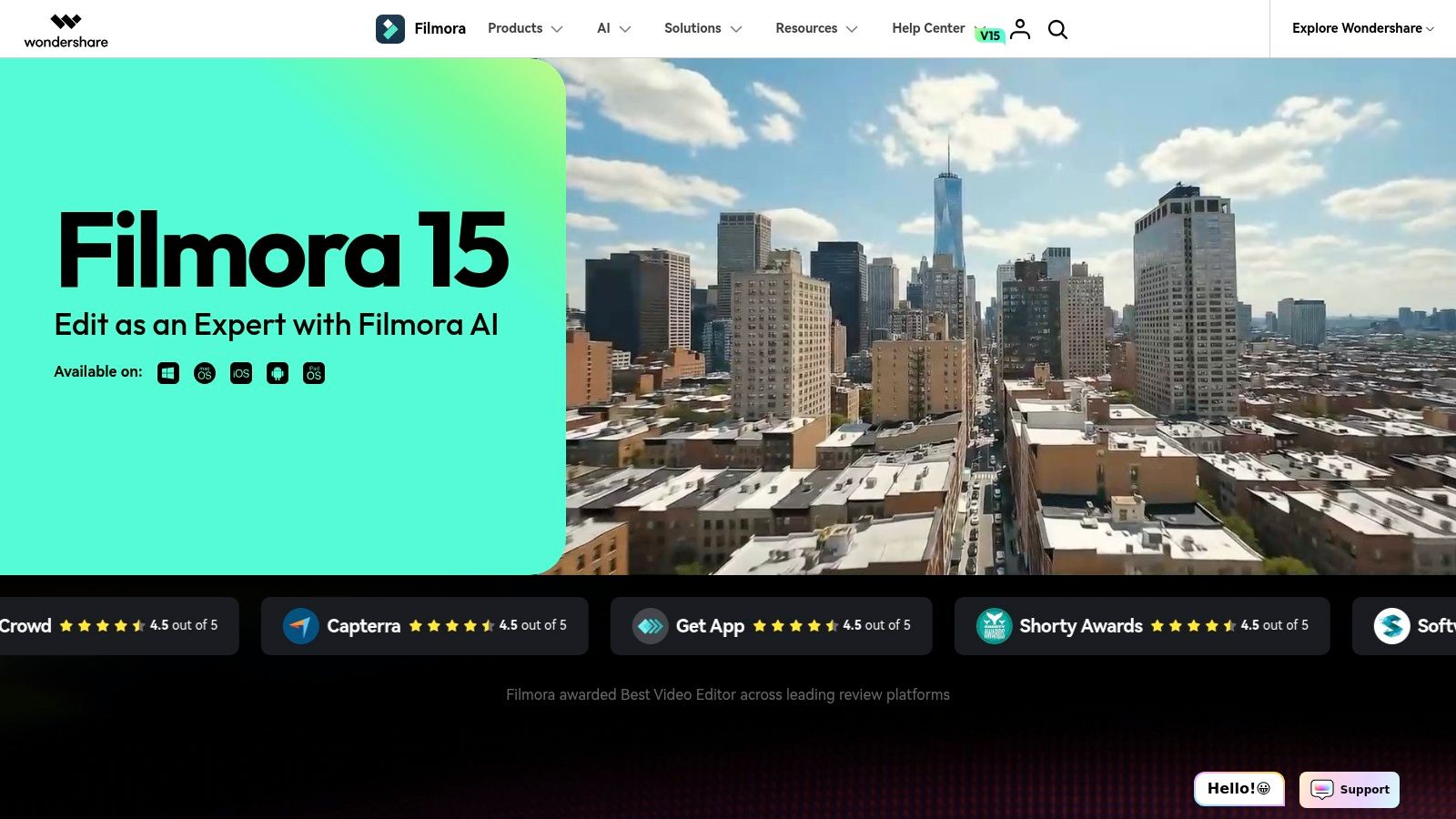
Filmora sits in the middle ground between entry-level social editors and full professional suites. It’s a strong choice for gaming creators who want lots of effects, a gentle learning curve, and enough AI help to keep production moving without committing to a more complex NLE. The official page is Filmora.
Friendly for regular channel output
Filmora’s appeal is that it makes it easy to build something watchable without becoming a timeline expert. AI auto-captions, text-to-speech helpers, smart cutout, background removal, and frame interpolation all help with the kind of clip cleanup gaming channels do week after week. If you’re editing recurring highlight packages, that mix of automation and ready-made assets can save time.
Its effects and transitions library also helps creators who want style without building every layer manually. That’s especially attractive for newer editors who want their uploads to feel more finished than a raw screen recording, but don’t yet need pro color or motion pipelines.
The trade-off around credits and polish
Filmora’s AI features can consume credits, so plan details matter more than many casual users realize. The free tier also includes a watermark, which can make it less attractive for channels trying to maintain a cleaner brand look. That means Filmora is best treated as a convenience-first editor, not a forever-free production standard.
For gaming editors, the decision point is whether you want the app to help you get from rough footage to a decent social post with minimal friction. If yes, Filmora makes sense. If your bar is studio-grade finishing, you’ll eventually outgrow it.
7. Outplayed by Overwolf
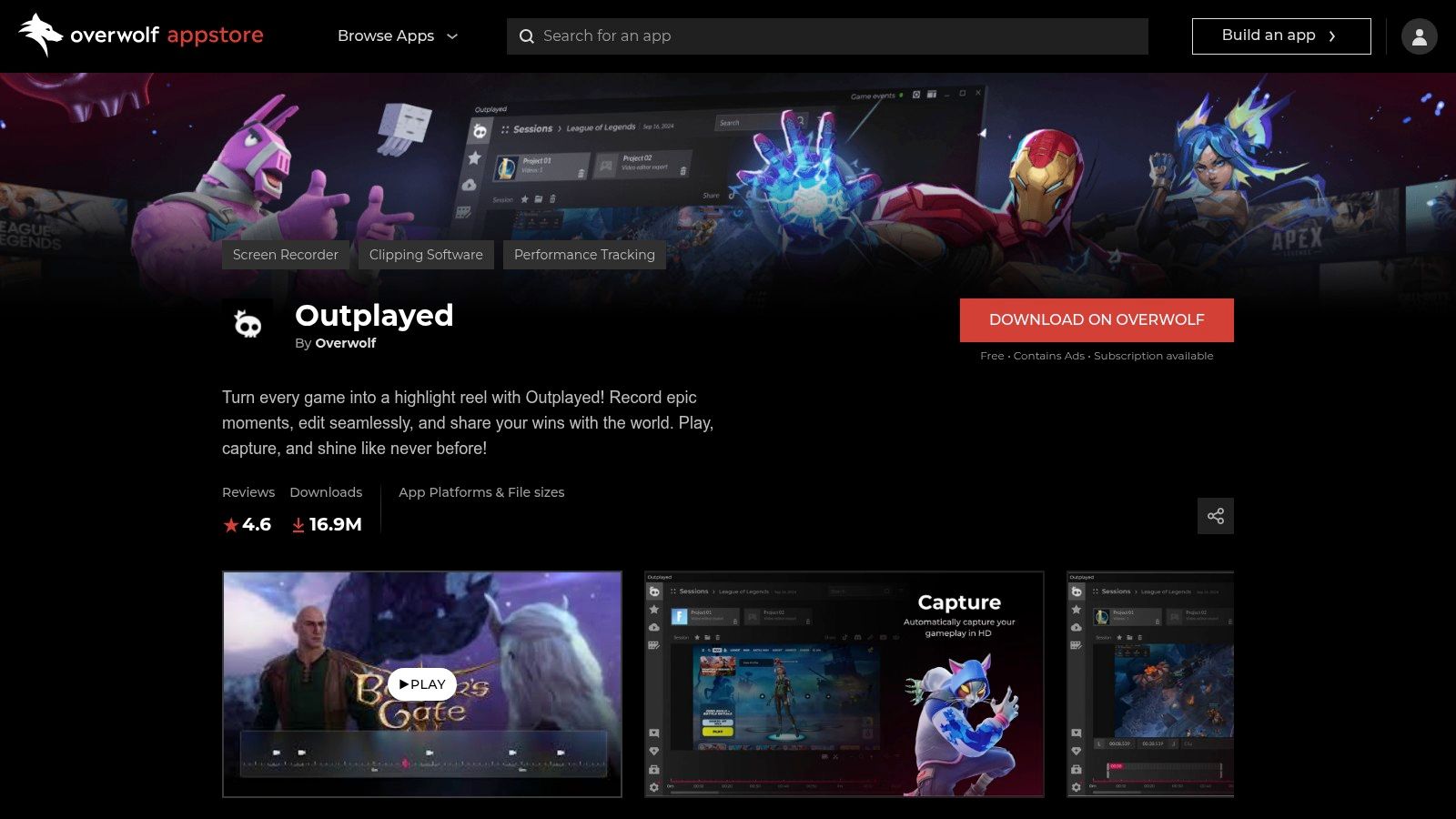
Outplayed is the capture-first answer for gamers who miss too many moments because they’re still trying to record manually. It automatically records gameplay and detects highlights in supported titles, which makes it useful before a proper edit even begins. The product page is Outplayed by Overwolf.
Best when the bottleneck is capture
That capture-first design is the point. Outplayed can bookmark kills, wins, and other highlights, then give you a lightweight editing step before sharing. For streamers who are bad at remembering to hit record, or who don’t want to keep a second eye on hotkeys, that automation changes the whole pipeline.
The app’s low-overhead focus is also practical. A capture tool shouldn’t steal attention from the game, and Outplayed is positioned around that reality. If the main problem is “I missed the moment,” this solves a much more important issue than fancy transitions ever will.
Limits to keep in mind
Outplayed is Windows and Overwolf only, so it’s not a universal option. The editor is also much lighter than a true NLE, which means many creators will still need a second app for polishing. That’s not a flaw so much as a reminder that capture and finishing are different jobs.
If your workflow is raw gameplay in, polished social clip out, Outplayed covers the first half very well. Just don’t expect it to be the place you finish a complex montage.
8. Medal.tv
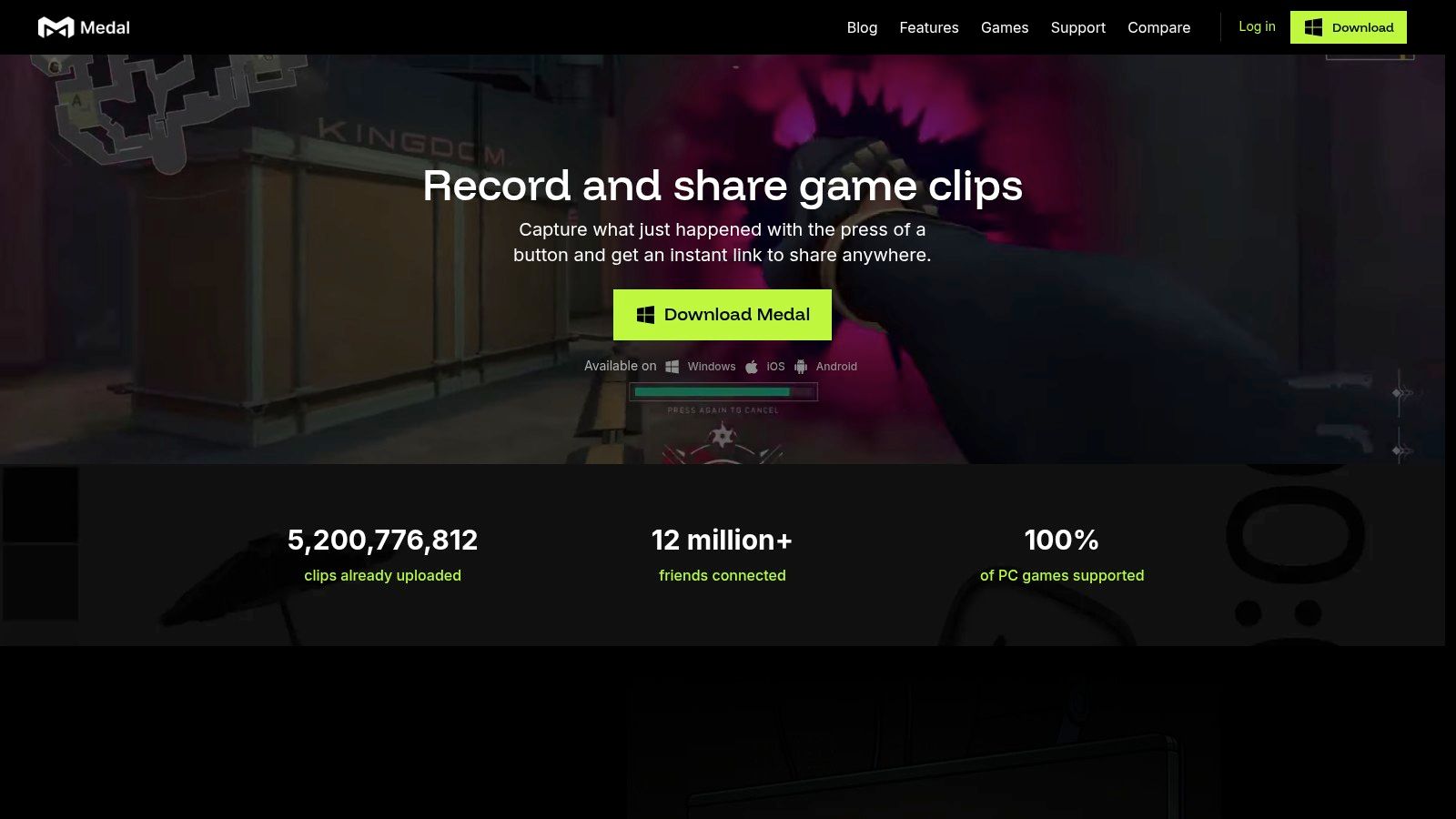
Medal.tv fits the stage where a clip has already been caught and needs to move quickly into something shareable. It centers on instant clipping, a built-in editor, auto-subtitles, and a cloud library, so creators can move from capture to publish without switching tools. Start with Medal.tv.
Fast capture plus built-in sharing
Medal’s strength is workflow compression. On desktop or mobile, you clip, trim, add subtitles, and export to a link or social format in the same app. That matters for gaming creators who care more about speed than deep finishing, because the value is getting the moment online while it still has context and reach.
The cloud layer also helps with access across devices, but the trade-off is that this is still a clip-first tool, not a full post-production environment. If your process is centered on short reactions, wins, or highlight posts, the reduced handoff can save time at the exact point where other editors slow down.
For creators comparing automation paths, it helps to see where each tool sits in the pipeline. Outplayed by Overwolf focuses on capture. Medal.tv focuses on immediate refinement and sharing. For a closer look at the handoff between automation and editing, see meet Eddie, your AI editing agent.
Premium gates and editing ceiling
The trade-off is familiar. Features like watermark removal, higher quality, and unlimited storage sit behind subscription access, and the editor remains lighter than a full NLE. That makes Medal a strong front end, but not a place to finish a complex montage.
Good fit: creators who want a quick clip pipeline and do not need deep montage work in the same app.
For streamers who want less file shuffling, Medal handles the basic path well. For editors who need nuanced pacing, layered effects, or advanced multicam work, it stops at the first edit pass.
9. Eklipse
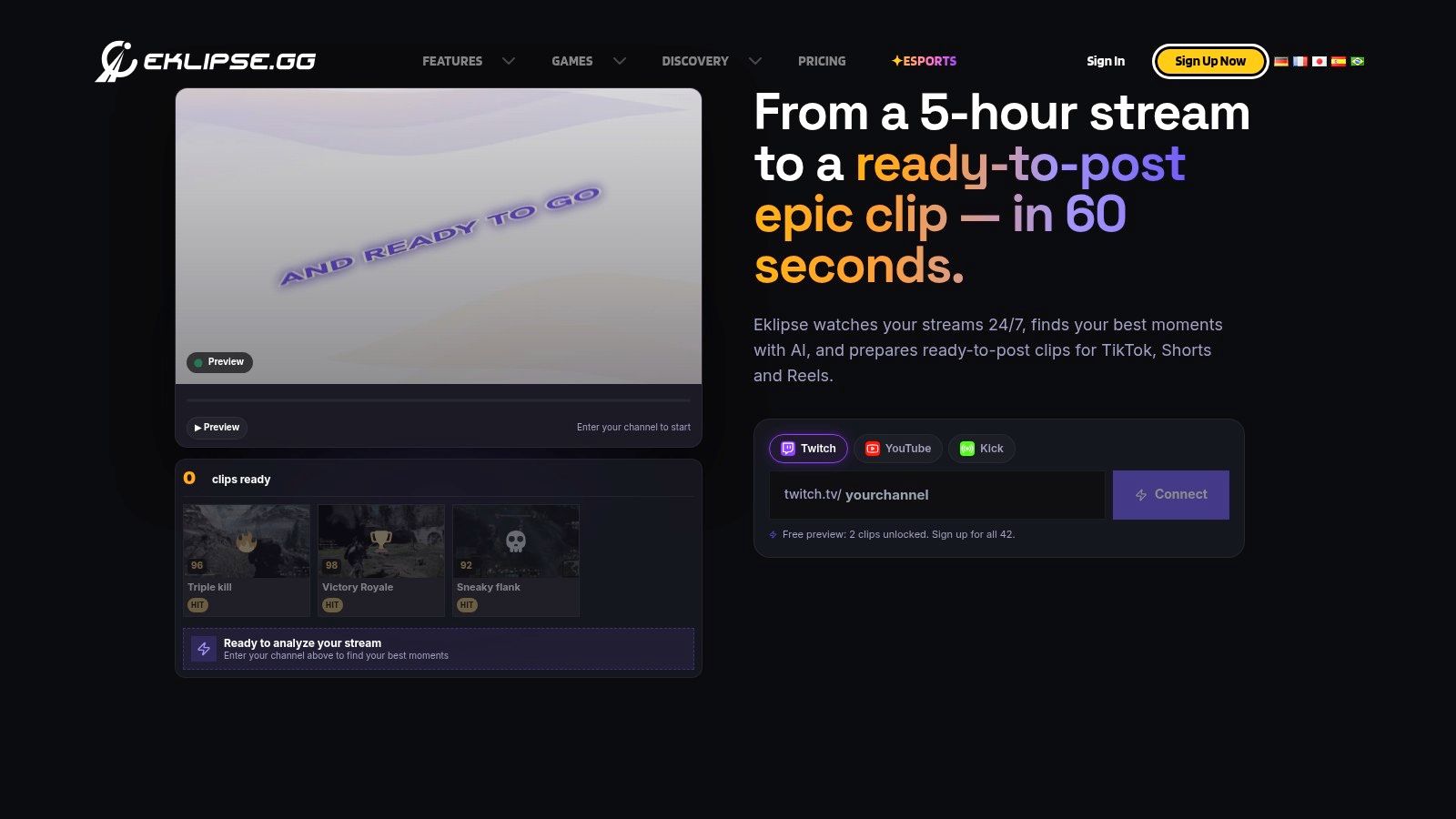
A streamer with a long VOD and a short turnaround needs a tool that can identify the moment first, then shape it for social platforms. Eklipse is built around that workflow. It ingests full streams, detects highlights, converts them into vertical clips, and adds captions and templates so the output is closer to a publishable post than a raw cut. The product is at Eklipse.
Strong for VOD-to-Shorts workflows
Eklipse matters because it starts with the source recording, not with a clip a creator has already manually marked. That makes it useful for turning one long session into multiple Shorts or Reels without scrubbing through the entire VOD by hand. Its built-in scheduler and publisher also reduce the handoff to TikTok, Shorts, or Reels, which is where a lot of gaming discovery now happens.
Short-form clips often act as the entry point, while streams still provide the long-form context and community layer Hatchet. Eklipse is designed for that handoff, so it fits creators whose bottleneck is finding usable moments fast.
Manual cleanup still matters
The trade-off is clip quality. Highlight detection can miss context, and the right moment in one game may not carry over cleanly in another. Editors still need to check whether the cut makes sense on its own, especially when the original reaction depends on stream context.
Pricing is less flexible than it once was. Free full-plan access ended in mid-2026, so users beyond previews now need a Premium subscription. That makes Eklipse a commitment for creators who want an automated front end, not a casual test tool.
10. Powder
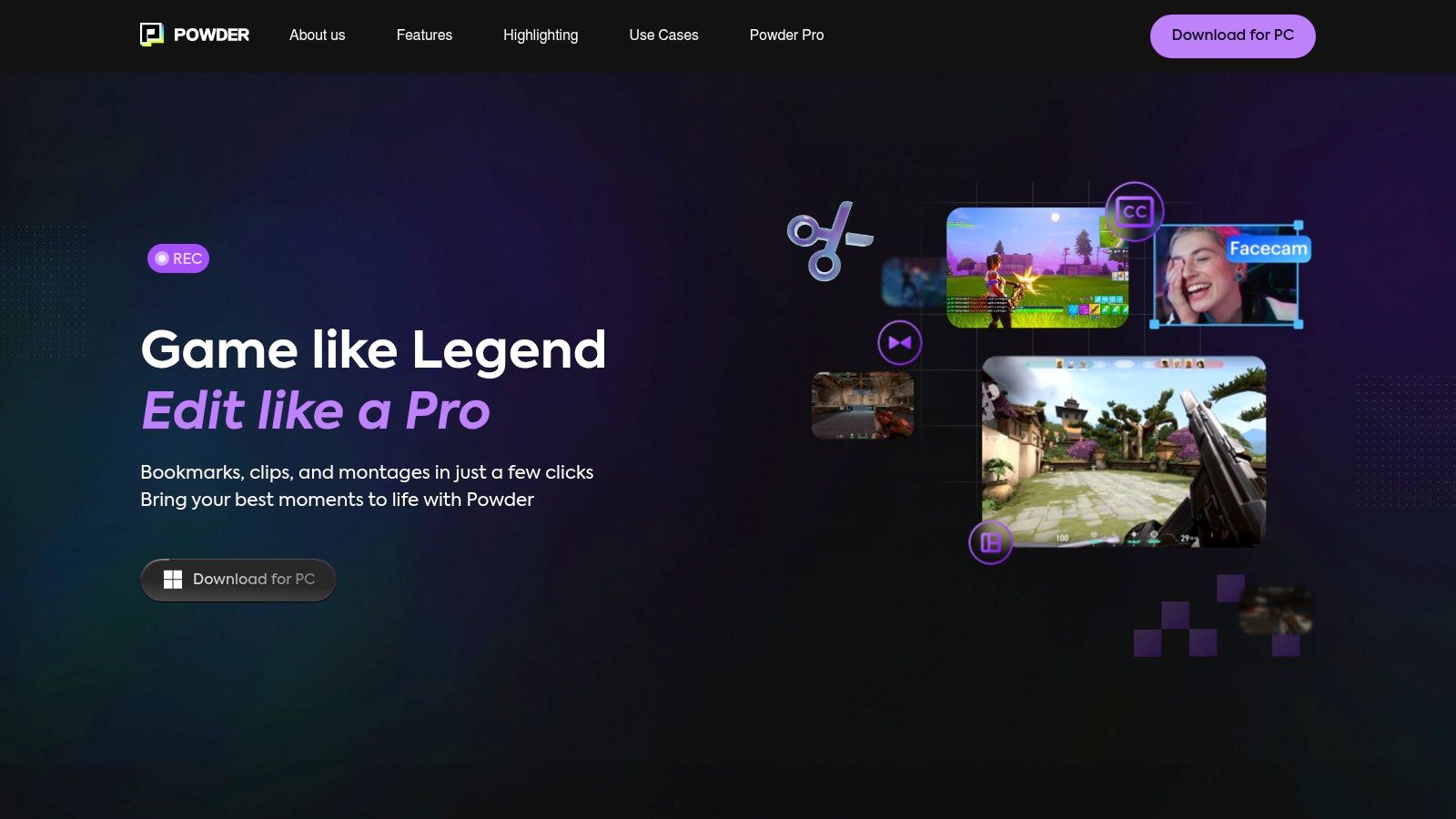
Powder fits creators who already have the recording and need software to sort the useful moments from it. Its focus is VOD analysis, highlight detection, and auto-assembled short clips, so the workflow starts after the session ends, not during live play. The product page is Powder.
Designed for game-aware highlight hunting
Powder is built around game context rather than generic trimming. It supports AI models for 40+ popular games, plus a Universal Game Support mode, and it can ingest VODs while using chat-spike detection to surface moments worth clipping. That makes it useful for creators who need a smarter starting point than manual scrubbing, especially when one game’s important moment is easy to miss in a long timeline.
The paid tiers support exports up to 4K/120FPS, which positions Powder for high-end gameplay capture as well as social clips. The free plan includes unlimited recording, analysis, and AI highlight detection, so creators can test its workflow before committing to a paid tier.
Best as a post-stream analysis tool
Powder is Windows-only and does not handle live clipping, so it works after the stream rather than during it. That trade-off suits creators who review a finished session and want the software to narrow the candidate moments before any detailed editing starts. Some advanced features also depend on hardware capabilities, so results can vary by machine.
That makes Powder a good fit for a specific part of the gaming pipeline. It is strongest as an automated analysis layer that turns long sessions into a shorter list of clips worth finishing by hand.
Top 10 Gaming Video Editors, Feature Comparison
| Product | Core features | Unique selling points ✨ | UX/Quality ★ | Price/value 💰 | Target audience 👥 |
|---|---|---|---|---|---|
| clipoven 🏆 | AI chat editor (Eddie), 16:9→9:16 subject-centric reframing, animated captions, timeline editor, 2K export | ✨ Agentic chat→editor workflow; purpose-built vertical heuristics; asset layering | ★★★★☆, fast, platform-ready 2K outputs | 💰 Credit-based: Hobby 1k / Pro 3k·7k·10k (monthly/yr); unlimited daily projects | 👥 Streamers, gaming creators, social managers, freelancers |
| Adobe Premiere Pro | Full NLE: timeline, color, audio, Motion Graphics & integrations | ✨ Industry-standard ecosystem + Frame.io & plugins | ★★★★★, professional grade; steeper learning curve | 💰 Subscription (Adobe CC) | 👥 Pro editors, teams, studios |
| DaVinci Resolve (Free/Studio) | NLE + best-in-class color (Resolve), Fairlight audio, Fusion VFX | ✨ Powerful free tier; Studio perpetual license for Neural Engine features | ★★★★☆, elite finishing; learning curve for Fusion | 💰 Free; Studio one-time purchase | 👥 Colorists, filmmakers, post houses |
| VEGAS Pro (Boris FX) | Fast keyboard-driven timeline, stabilization, speech-to-text | ✨ Very responsive for rapid highlight assembly; perpetual option | ★★★★☆, speedy workflows; fewer tutorials | 💰 Subscription or perpetual (varies by edition) | 👥 Fast-cut gaming editors, solo creators |
| CapCut | Social-first vertical templates, auto-captions, cloud sync across devices | ✨ Large template library + cross-device editing | ★★★★☆, extremely fast for Shorts/TikTok | 💰 Freemium; some features/tiers paid by region | 👥 Casual creators, TikTok/Reels editors |
| Wondershare Filmora | Creator-friendly editor with AI STT/TTS, smart cutout, effects library | ✨ Low learning curve with many ready assets | ★★★☆☆, easy & quick, less pro control | 💰 Freemium / credits for advanced AI; watermark on free | 👥 New creators, small channels |
| Outplayed (Overwolf) | Auto-recording, highlight detection, lightweight editor, hotkeys | ✨ Set-and-forget capture; game-aware highlight detection | ★★★☆☆, low overhead; basic edit tools | 💰 Free (Windows/Overwolf) | 👥 Gamers wanting automatic capture |
| Medal.tv | Instant desktop/mobile clipping, cloud library, auto-subtitles | ✨ Feed-based community & one-click sharing | ★★★★☆, very fast capture→share flow | 💰 Freemium; Premium removes watermark & ups quality | 👥 Gamers, social sharers, clip communities |
| Eklipse | Cloud AI VOD ingestion, auto-detect highlights, auto-verticaling, scheduler | ✨ End-to-end VOD→shorts pipeline with publisher tools | ★★★☆☆, great scale; clip quality can vary by game | 💰 Premium subscription required (pricing varies) | 👥 Streamers with long VODs, content teams |
| Powder | VOD analysis, AutoEdits, chat-spike detection, 4K/120FPS export (Pro) | ✨ Game-specific AI models + AutoEdits for long sessions | ★★★☆☆, strong analysis; Windows-centric | 💰 Freemium; Pro features/exports paid | 👥 Streamers needing deep highlight analysis |
Build a Gaming Editing Stack That Scales
The best gaming video editor depends on where your pipeline breaks. If you keep missing clutch moments, start with Outplayed, Medal.tv, or Powder, because capture and highlight detection should come first when finding moments is the bottleneck. If your issue is turning finished stream moments into vertical posts fast, Eklipse or ClipOven make more sense, because they’re built around AI-assisted repackaging for Shorts, Reels, and TikTok. If you need an accessible social editor with a low learning curve, CapCut or Filmora are easier entry points.
Creators who need multi-cam finishing, advanced audio, color, and motion work should stay with Adobe Premiere Pro, DaVinci Resolve, or VEGAS Pro. Those tools are slower to learn, but they give you more control when a highlight reel has to feel polished rather than merely posted. The smart way to choose is to test one representative recording and measure the things that cost time, missed highlights, timeline responsiveness, caption accuracy, reframing quality, export requirements, platform compatibility, and how much manual cleanup remains before publishing.
That’s the true selection test. A tool can look impressive and still waste time if it misses the right moment, mangles captions, or forces you into extra cleanup after export. The best gaming editor is the one that fits your complete capture-to-publish workflow, not the one with the biggest feature list.
If your workflow is turning horizontal gameplay into polished vertical shorts, ClipOven is built for that job from the start. It combines Eddie’s chat-driven editing with subject-centric reframing, animated captions, and a full timeline for final cleanup, so you can move from brief to publishable short without tool hopping. Take a look at ClipOven and see how it fits the way you already edit gaming clips.