 clipoven
Most advice on the best AI tools for content creators is backwards. It starts with a giant chatbot, then pretends one platform should handle ideation, scripting, editing, thumbnails, captions, repurposing, and publishing. That isn’t how creators work.
The right question is simpler. Where are you losing time right now? Turning long horizontal footage into vertical shorts? Cleaning up interviews? Generating visual hooks when you didn’t film enough B-roll? Packaging clips for TikTok, Reels, and Shorts? Localizing captions and voice for new audiences?
That workflow-first view matters because creators already use AI like production infrastructure, not a novelty. Adobe’s 2026 Creators’ Toolkit Report found that 87% of creators using creative AI said it accelerated the growth of their business or audience, and 75% said it was integrated or essential to how they work. The stack is the point.
So this list ranks tools by the job they improve and the output they help you publish. If your bottleneck is short-form repurposing, ClipOven stands out because it’s purpose-built to turn horizontal footage into polished vertical clips with AI handling the first pass and a real editor handling the finish.
Table of Contents
- 1. ClipOven
- 2. Descript
- 3. OpusClip
- 4. CapCut
- 5. VEED
- 6. Runway
- 7. Canva Magic Studio
- Top 7 AI Tools for Content Creators, Side-by-Side Comparison
- Build a Lean Creator Stack
1. ClipOven
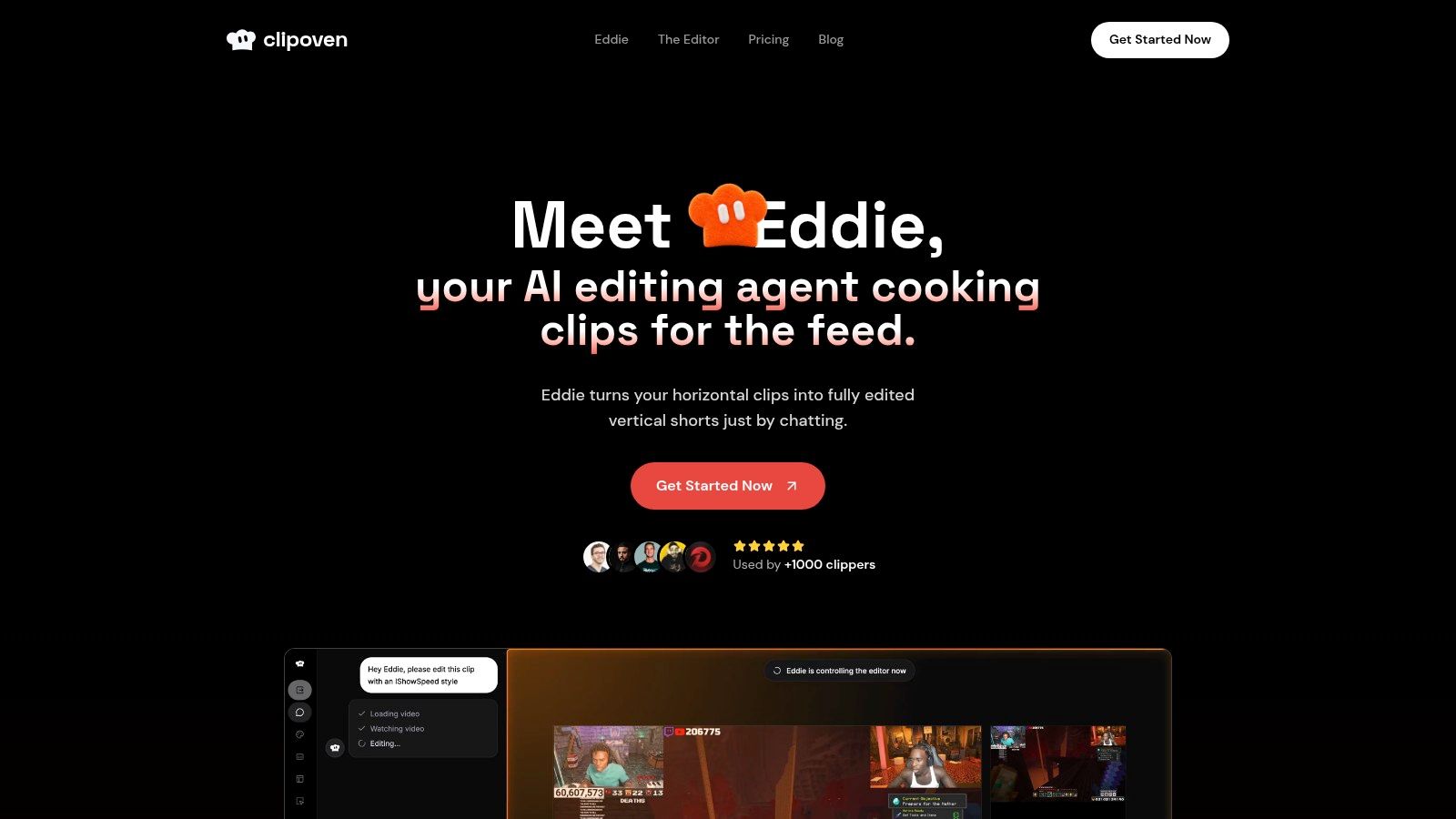
ClipOven earns the top spot if your bottleneck is short-form repurposing. Its job is narrow and valuable. Turn long horizontal footage into vertical clips that are already framed, captioned, paced, and close enough to publish that your real work becomes judgment, not assembly.
That focus matters.
A lot of creator tools claim to help with everything. ClipOven is stronger because it improves one expensive part of the pipeline. You upload source footage, prompt Eddie in chat, and get a draft built for vertical feeds. Then you finish inside the timeline editor by tightening cuts, swapping transitions, adding audio, GIFs, stickers, or brand assets, and exporting a 2K vertical file.
Why it ranks first for repurposing
ClipOven fits creators who already have source material and need more output from it. Streamers, podcasters, interview channels, commentary creators, agencies, and freelance editors all run into the same problem. The footage exists, but turning it into watchable Shorts, Reels, and TikToks still eats hours.
ClipOven cuts that labor at the right point in the workflow. The AI handles the first pass. You handle taste, story, and brand fit.
Use ClipOven when editing time is the constraint and the goal is more publishable vertical clips from footage you already have.
That division of labor is the advantage. AI is good at repetitive production work like reframing, caption timing, and rough clip assembly. It is weaker at deciding what feels sharp, on-brand, or worth keeping. ClipOven acknowledges that instead of pretending full automation is the goal.
Where the return on effort comes from
The return is simple. Fewer handoffs, fewer fixes, and less dead time between rough cut and finished short.
In many creator workflows, clipping happens in one app, captions in another, reframing in a third, and final cleanup somewhere else. That stack works, but it slows down output and creates more places for formatting, timing, and branding mistakes. ClipOven pulls those steps into one production path aimed at vertical content.
A few parts matter most:
- 9:16-first reframing: Subject tracking and vertical composition reduce manual cleanup on clips that were never shot for Shorts in the first place.
- Faster rough cuts: Eddie builds an initial edit from your prompt, which is far better than starting from an empty timeline.
- Hands-on finishing tools: The timeline editor gives you control where it counts. Pacing, transitions, overlays, sound, and brand elements still need a human editor.
- Clear volume planning: Credit-based usage makes workload planning more realistic than vague promises about unlimited output.
The trade-off is straightforward. Credits can become the limiting factor if your team publishes at high volume. The Hobby plan includes 1,000 credits per month, with guidance that this covers roughly eight one-minute clips. Pro plans include 3,000, 7,000, or 10,000 credits per month, with guidance of roughly 30, 70, or 140 one-minute clips. If your content machine depends on daily clipping at scale, budget for that before you commit.
For creators who win by getting more shorts from existing footage, ClipOven is one of the clearest workflow upgrades on this list. See the product at ClipOven.
2. Descript
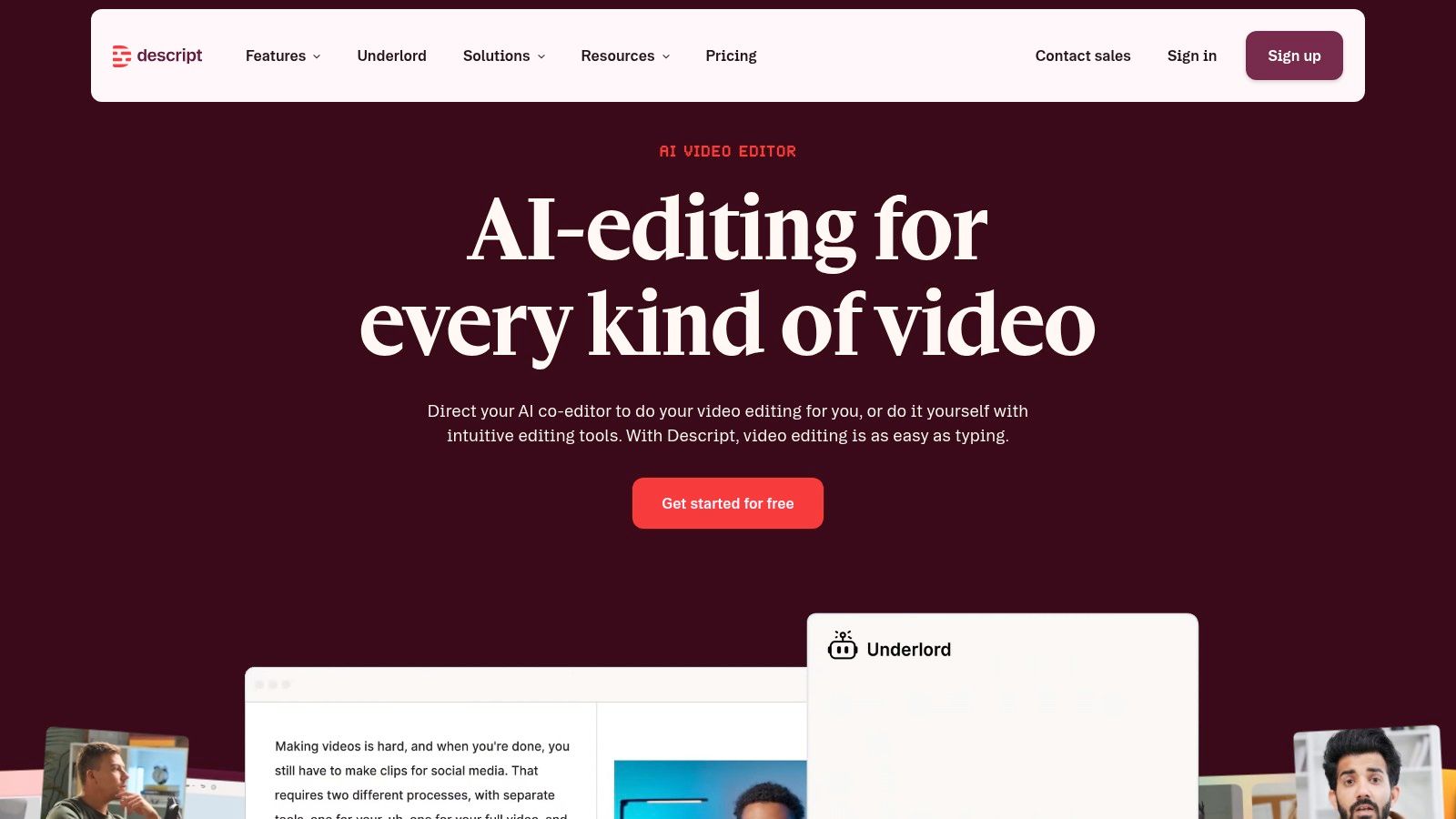
Descript is the right pick for creators who think in transcripts first. If you edit podcasts, interviews, talking-head videos, webinars, or educational content, Descript cuts rough-edit time because you can edit the video by editing the text.
That single interaction model is why it remains one of the most practical AI tools for content creators. Instead of hunting waveforms and scrub points for every cleanup, you remove filler, tighten tangents, fix structure, and build a first cut through the transcript.
Best for podcasts and interview-heavy content
Descript’s value comes from reducing friction in spoken-word workflows. Speaker labeling, text-based multitrack editing, caption generation, Studio Sound, eye contact correction, green screen tools, and draft-generation features all point toward one outcome. Faster talking-head production with less technical overhead.
That makes it a strong choice for solo creators who publish on YouTube and cut social clips from the same source material. It also works well for small teams that need a shared, approachable editor instead of a full traditional NLE setup.
If the transcript is your map, Descript is usually faster than a timeline-first editor.
There’s another reason this category matters. A 2026 creator survey found that 60% of creators use multiple AI tools regularly. Descript fits well in that kind of stack because it handles dialogue-heavy editing while another tool can handle short-form repurposing or branded packaging.
Trade-offs worth knowing
Descript is excellent at rough cuts and cleanup. It’s less compelling when you need highly stylized short-form pacing, dense motion graphics, or fine-grained visual storytelling. The AI tools are useful, but outcomes still depend on source quality, especially with audio cleanup and visual corrections.
Use it when you want one environment for transcript-led editing, captions, cleanup, and quick social exports. If your next bottleneck is vertical clipping from long footage, pair that workflow with a dedicated repurposing tool like Eddie, ClipOven’s AI editing agent. Explore Descript.
3. OpusClip
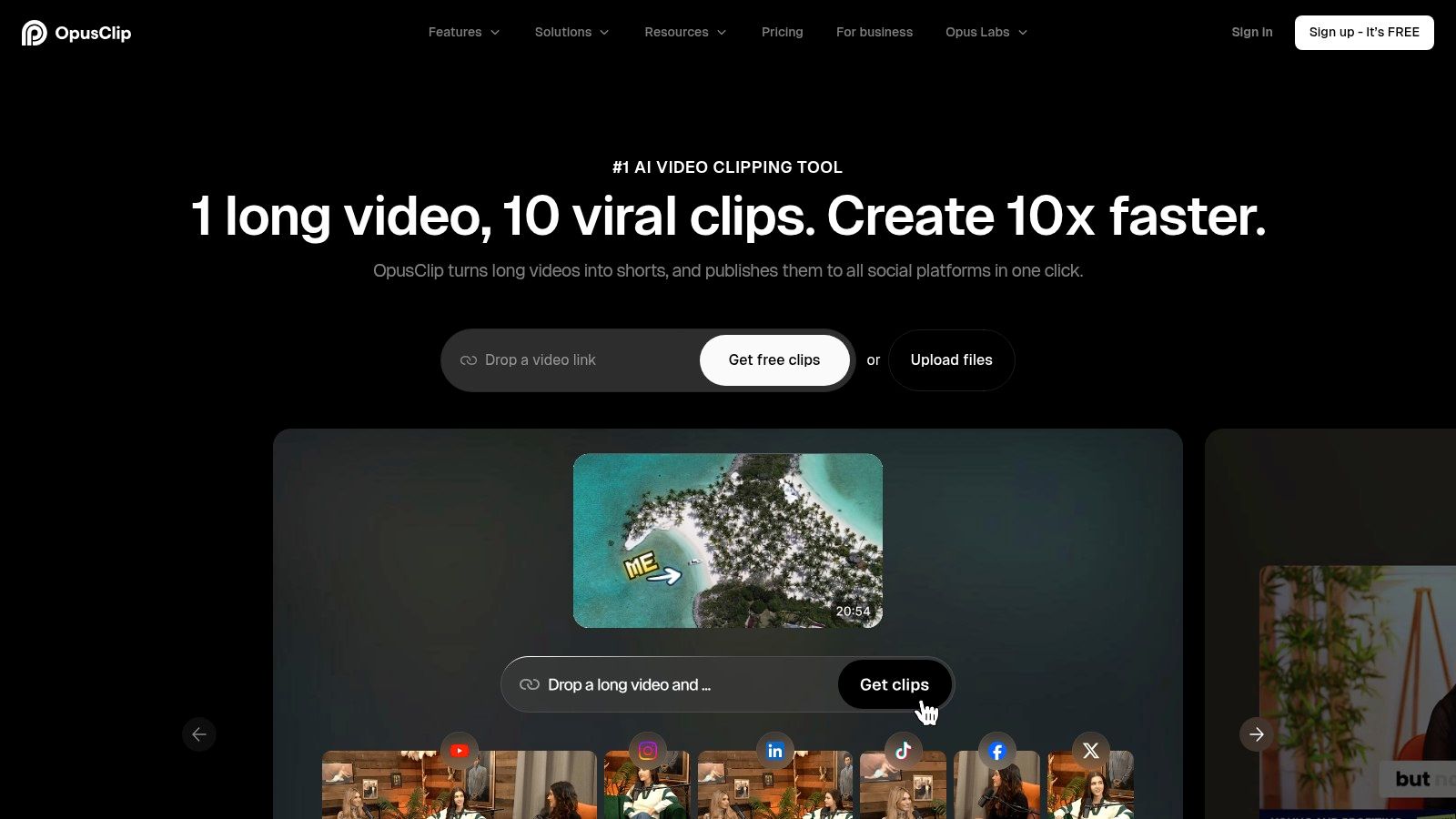
OpusClip earns its place in a creator stack after the long-form episode is already done. Use it to mine finished podcasts, interviews, webinars, streams, and YouTube videos for short clips you can publish fast.
That distinction matters.
Some tools help you edit the source. OpusClip helps you multiply the output. If your bottleneck is turning one solid recording into ten usable Shorts, Reels, or TikToks, OpusClip solves the right problem.
Its value comes from compression of effort. You upload long-form footage, the AI pulls likely highlights, reframes for vertical formats, adds captions, and packages clips that are close to publishable. Virality scoring, speaker-aware captions, AI B-roll, speech enhancement, dubbing, and exports into Premiere or Resolve all support the same workflow goal: get more assets from footage you already paid to make.
For podcasters and YouTubers, that can be a strong return on effort. You are not asking the tool to invent ideas. You are asking it to surface the parts of your catalog that already have distribution value.
Use OpusClip if your publishing model depends on coverage. A weekly show can become a month of short-form posts. A back catalog can become a testing engine for hooks, topics, and formats. Creators who want a more guided automatic video editor for shorts workflows may prefer a system with tighter editorial direction, but OpusClip is hard to beat for throughput.
The trade-off is obvious. Speed comes first, judgment comes second. The AI will miss context, overrate some moments, and occasionally package clips that look correct but feel flat. You still need to reject weak selections, tighten openings, and adjust caption styling if brand presentation matters.
So treat OpusClip as a clipping engine, not your final editor.
That makes it a strong fit for the repurposing stage of the workflow, especially when the goal is volume, testing, and consistent channel presence. It is a weaker fit for narrative-heavy edits, brand-sensitive storytelling, or any short where pacing decisions carry the whole piece.
Visit OpusClip.
4. CapCut

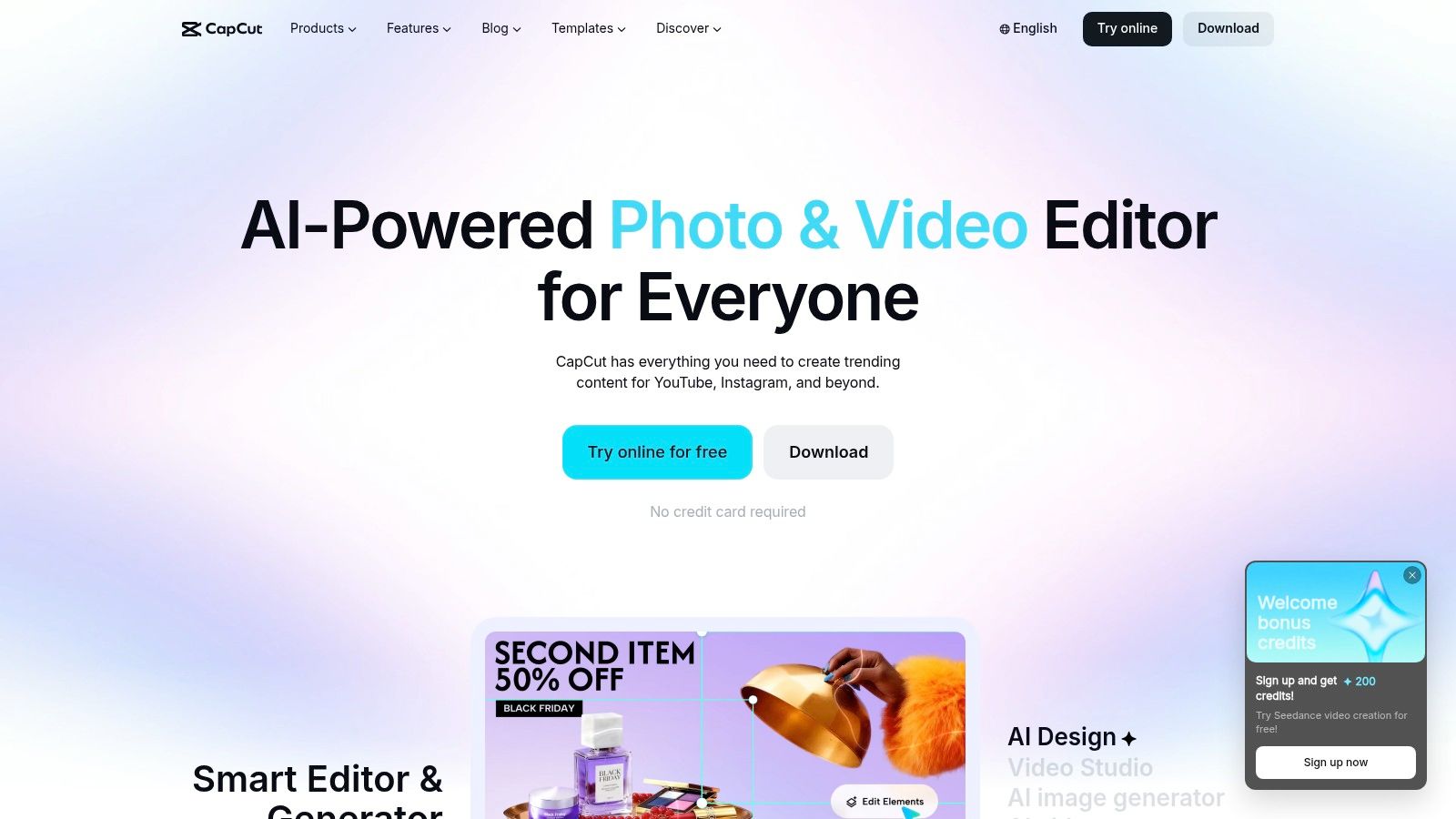
CapCut is the fastest recommendation for creators who package content on the fly. If you shoot, cut, caption, and publish in short cycles, it’s hard to beat for mobile-first production.
That’s why CapCut remains a default tool in creator stacks. It handles the social layer well: auto captions, bilingual captions, templates, background removal, motion tracking, noise reduction, and quick asset-driven editing across mobile, desktop, and web.
Best for fast social packaging
CapCut is not the best at everything. It doesn’t need to be. It’s best when your workflow revolves around taking a nearly finished idea and turning it into a postable short with the right captions, visual rhythm, and on-platform feel.
Creators who publish to TikTok, Instagram Reels, and YouTube Shorts often care more about speed and packaging than deep post-production. CapCut is optimized for exactly that.
CapCut is where many creators finish, even when they start somewhere else.
That use case also lines up with broader market behavior. Adobe’s prior creator survey reported that 86% of creators actively use generative AI, with 76% saying it accelerated business or follower growth and 85% saying it positively impacted the creator economy. Tools like CapCut sit close to that day-to-day output layer.
The trade-off
CapCut is excellent for speed, less ideal for teams that want rigid asset governance, highly detailed timeline work, or more mature collaboration workflows. Some advanced caption and translation styling can also feel inconsistent depending on the project.
Still, if your real bottleneck is getting clips finished and posted without opening a heavyweight editor, CapCut is one of the easiest yes decisions on this list. Try CapCut.
5. VEED
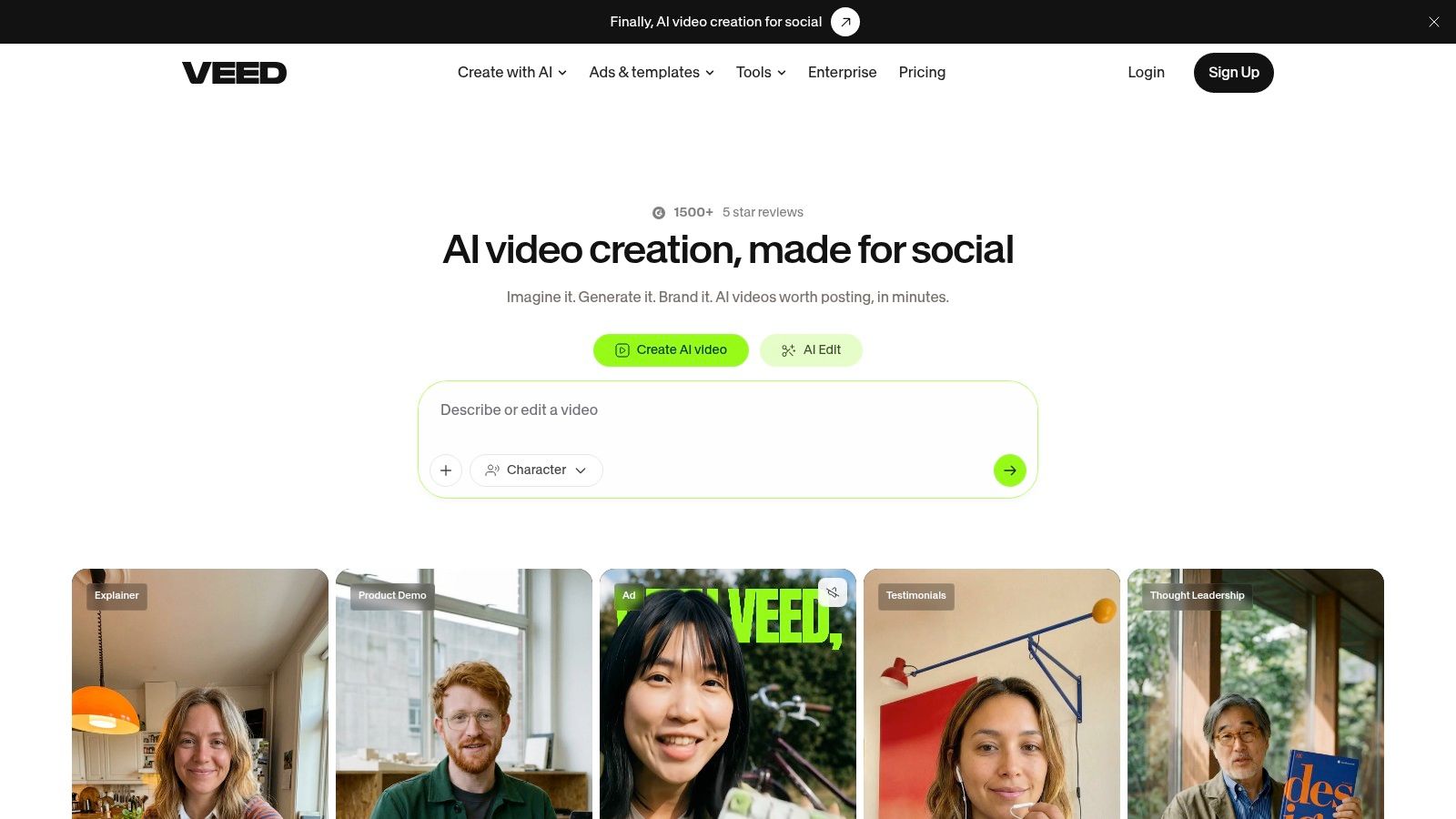
VEED earns its place later in the creator workflow, after the core idea and rough cut already exist. Use it to turn one source video into publishable versions with subtitles, dubbed audio, resized formats, and light collaboration that does not require everyone to install desktop software.
That workflow fit matters.
Some tools on this list help you generate footage. Others help you cut faster or repurpose clips. VEED is strongest in the packaging and distribution layer, where creators and social teams need a video to be readable, localized, approved, and ready for multiple channels.
If you run client work, manage contributors in different locations, or publish the same message to different markets, VEED solves a specific bottleneck. It reduces the time spent on captions, language variants, handoff, and browser-based revisions. That usually produces a better return on effort than chasing finer editing control you may not need for social output.
A practical way to judge VEED is simple. If your videos lose reach because they are missing captions, hard to adapt for other languages, or slow to get through review, VEED is a stronger pick than a deeper editor.
Here is where it pulls ahead:
- Auto subtitles and caption editing improve watchability fast.
- Translation, dubbing, and lip sync help you turn one asset into multiple market-ready outputs.
- Browser access makes approvals and lightweight edits easier for freelancers, clients, and social teams.
- Brand tools help keep recurring content packages consistent without rebuilding every post from scratch.
The trade-off is clear. VEED gives up timeline precision for speed and accessibility. If your work depends on detailed motion design, complex compositing, or frame-level editorial control, use a more advanced editor for the main cut and bring the project into VEED for final packaging.
That is the right way to place it in a creator stack. VEED is not your creative lab. It is your publishing prep station.
Visit VEED.
6. Runway
Runway earns its place earlier in the workflow than a standard editor. Use it when your content has a visual gap. You need a hook, a cutaway, a mood shot, a stylized transition, or a short scene you never filmed.
That role matters because creators often waste time forcing editing tools to solve an asset problem. Runway solves the asset problem directly. It gives you generated video, images, and visual variations that can raise the perceived production quality of explainers, trailers, launch teasers, and short-form intros.
The right question is not whether Runway can replace your editor. It cannot. The right question is whether a generated asset will improve the final piece more than another round of trimming or caption styling. In many cases, the answer is yes.
Use Runway for:
- AI B-roll that fills dead space in talking-head videos
- concept clips that make an idea easier to visualize
- stylized hooks that improve the first few seconds
- product or mood visuals you did not have the budget or time to shoot
- experimental sequences for promos and teasers
Here is the trade-off. Runway can produce strong visuals, but strong results usually come from multiple prompt rounds, selective taste, and cleanup in another tool. If you publish high volume social content every day, that effort can outweigh the gain. If you publish fewer pieces where the opening visual matters a lot, the extra iteration is usually worth it.
This makes Runway a specialist, not a default. ClipOven, Descript, CapCut, and VEED help you shape, edit, and package footage that already exists. Runway helps you create missing footage so the edit has stronger raw material to work with.
That is why it belongs in a lean creator stack. Put it near ideation and asset generation, then move the output into your main editor for pacing, captions, and final polish.
Explore Runway.
7. Canva Magic Studio
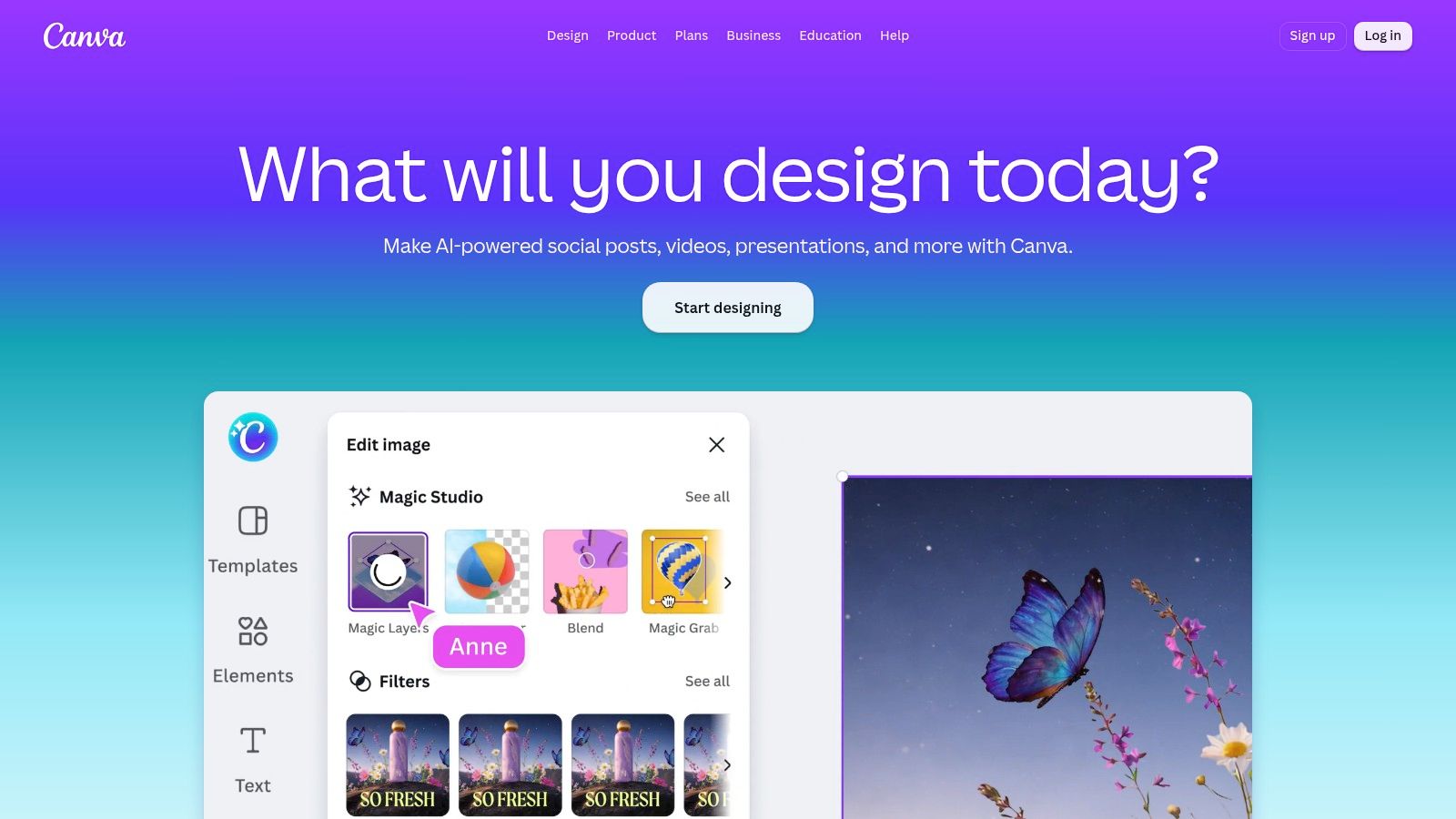
Canva Magic Studio earns its spot at the packaging stage of the creator workflow. Use it after the edit, when the bottleneck is turning one finished video into thumbnails, promo graphics, quote cards, title slides, overlays, and resized assets that look related.
That matters because polished packaging often changes click-through and perceived quality more than another minor timeline tweak. Canva is strong when the job is speed, brand consistency, and asset volume. Magic Studio adds useful AI for that workload: text-to-design, background removal, Magic Layers, quick resize, lightweight video tools, and brand kits that keep recurring content visually consistent.
Best for thumbnails and branded asset production
Creators usually lose time in the handoff between editing and publishing. The clip is ready, but the thumbnail is weak, the channel art does not match, the Instagram promo needs a new size, and the sponsor card has to be rebuilt again. Canva fixes that part of the pipeline better than the editing tools on this list.
It is a practical choice for solo creators, agencies, and small content teams that need repeatable output without opening full design software for every asset. Templates do part of the work for you. Brand kits handle the rest. That combination improves output quality fast, especially if your publishing process depends on turning one core piece into multiple formats.
The trade-off is clear. Canva helps you ship polished supporting assets quickly, but it is not where you should handle detailed motion work, story pacing, or fine edit decisions. Use Descript, CapCut, VEED, or ClipOven to shape the video. Use Canva to package it so the finished piece looks deliberate everywhere it appears.
If your workflow already centers on vertical clips, Canva becomes more useful once you understand YouTube video size and ratio requirements. Visit Canva.
Top 7 AI Tools for Content Creators, Side-by-Side Comparison
| Tool | 🔄 Implementation complexity | ⚡ Resource requirements | ⭐ Expected outcomes | 💡 Ideal use cases | 📊 Key advantages |
|---|---|---|---|---|---|
| clipoven | Medium, AI agent + timeline editor | Credit-based web service; minimal local hardware | ⭐⭐⭐, polished 9:16 shorts ready to publish | Short-form creators, streamers, social teams | Fast subject-centric reframes; hybrid AI + manual control; predictable credits |
| Descript | Low–Medium, transcript-first workflow | Subscription with AI credits; desktop/web | ⭐⭐⭐, clean rough-cuts & podcast-ready edits | Podcasters, interviewers, solo creators, teams | Text-based editing; broad AI suite (audio+video) in one timeline |
| OpusClip | Low, automated highlight detection | Web service; free tier available; NLE export options | ⭐⭐⭐, rapid highlight-to-short conversion | Podcasters, streamers, YouTubers scaling shorts | Virality scoring & auto-hook selection; fast batch clipping |
| CapCut | Low, template-driven editor | Cross-platform (mobile/web/desktop); strong free tier | ⭐⭐⭐, very fast social packaging | Short-form creators producing TikToks/Reels | Rich templates, mobile-first tools, seamless device handoff |
| VEED | Low, browser-based collaborative editor | Web-only; tiered subscription; collaborative features | ⭐⭐, accessible multi-language social edits | Social managers and multi-market teams | Zero-install collaboration; robust subtitle/dubbing pipeline |
| Runway | High, generative video & model tuning | Credit-based generation; higher compute and learn curve | ⭐⭐⭐⭐, high-fidelity generative B-roll & stylized clips | Motion designers, concept creators, generative workflows | State-of-the-art text→video, transparent credit costs, 4K upscaling |
| Canva (Magic Studio) | Low, template/asset-first design | Web/mobile; Pro plan and optional AI Pass | ⭐⭐, fast thumbnails & lightweight video assets | Thumbnails, channel art, social posts, quick ads | Massive template/stock library, brand kits, fast design workflows |
Build a Lean Creator Stack
The best AI tools for content creators don’t win because they do everything. They win because they remove one expensive bottleneck in your workflow.
If repurposing long footage is the bottleneck, start with ClipOven or OpusClip. ClipOven is the stronger choice when you want a purpose-built vertical workflow with AI doing the assembly and a timeline editor preserving creative control. OpusClip is stronger when you care more about scaling clip output from an existing back catalog.
If your content starts with spoken-word material, Descript is the best transcript-led editor here. It’s the fastest route from raw interview or podcast audio to a coherent rough cut. If your bottleneck is finishing and packaging social content quickly, CapCut is the better fit.
VEED makes the most sense for browser-based teams that need subtitle, dubbing, and localization workflows without installing heavyweight software. Runway belongs in the stack when you need original visual material, not just edits from existing footage. Canva closes the loop with thumbnails, overlays, promos, and branded assets that make the final output look consistent across channels.
Don’t build a giant stack on day one. Test one tool against one output goal. A good starting goal is publishing more vertical clips from footage you already have. Track four things: editing time, revision effort, usable exports, and recurring cost.
That will tell you more than any feature list. If the tool gives you faster first drafts but creates cleanup chaos, it isn’t saving time. If it improves output quality and reduces manual repetition, keep it. Then add the next tool only when a new bottleneck becomes obvious.
The strongest creator stacks are lean. One tool for repurposing. One for transcript or dialogue cleanup if needed. One for packaging and branded assets. That’s usually enough to create more, publish faster, and keep quality under control.
If your main goal is turning streams, podcasts, interviews, or YouTube videos into polished vertical shorts, ClipOven is the most purpose-built option on this list. It gives you AI-assisted clipping, reframing, captions, effects, and a real timeline editor so you can move fast without giving up creative control. See how it works at clipoven.