 clipoven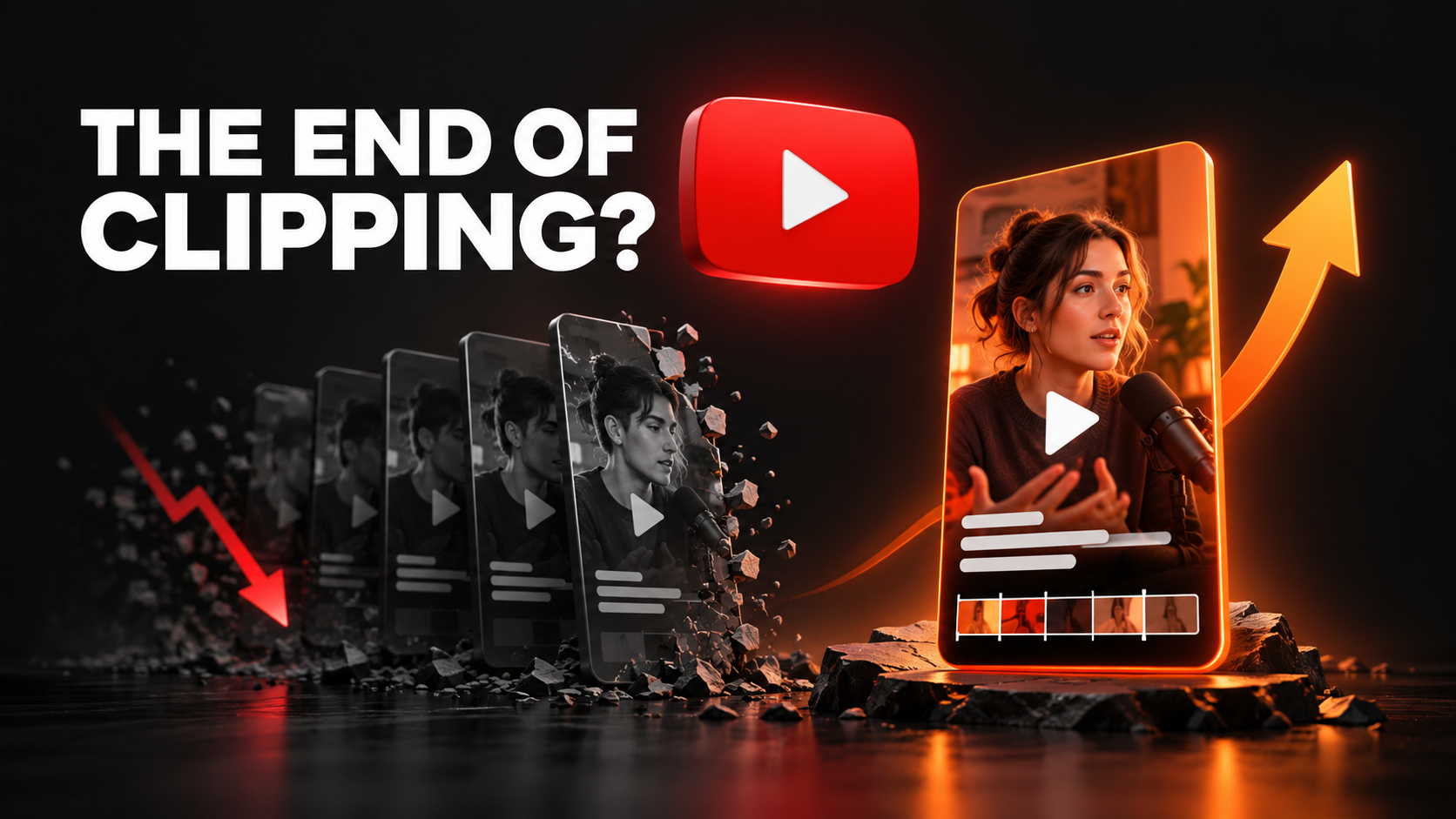
YouTube is updating Shorts recommendations to give original content more priority and reduce the reach of other creators’ videos reuploaded without meaningful additions. For creators, this makes the question behind every clip more pressing: what are you bringing to the viewer?
TeamYouTube announced the change on October 1, 2026. Mario Joos highlighted it on X the following day, sparking discussion about the future of clipping.
Our take: original ideas and thoughtful editing should become the foundation of your Shorts strategy. Clipoven is built for creators who want to put those ideas into practice with AI, just by chatting.
What changed in the YouTube Shorts algorithm?
Channels built around minimally changed reuploads will likely receive less Shorts-feed distribution. YouTube calls for commentary, distinctive editing, or storytelling instead of superficial technical tweaks and template changes. Read YouTube’s announcement.
This is a recommendation update, affecting discovery. The announcement does not provide a rollout schedule or a formula for measuring originality.
Recommendations and monetization are separate
YouTube already has monetization policies covering reused and inauthentic content. Those policies assess whether a channel contributes meaningful original value and whether its output is generic or repetitive. Permission to use footage does not automatically resolve reused-content eligibility.
Keep those questions separate when planning a channel: an upload’s distribution, its monetization eligibility, and the rights to its source material are different considerations. October’s news specifically concerns Shorts recommendations.
Is YouTube banning clipping?
“RIP clipping” makes a strong headline, but the announcement targets minimally changed reuploads. It does not announce a blanket ban on clips.
For your own recordings, clipping remains a useful creative format. A livestream can become a compact story. A podcast discussion can become a focused answer. A tutorial can become a demonstration of one useful technique. Our recommendation is to build each Short around a complete idea that makes sense to someone encountering you for the first time.
Before editing, write one sentence describing its purpose: “This clip explains why I made this decision,” or “This clip shows the mistake and the fix.” If you cannot name the idea, reconsider the selection.
For a broader workflow, see our guide to repurposing video content.
Why original content and high-quality edits matter more
Our reading of the update is that creators should invest more effort in the substance of each Short. High-quality editing helps communicate that substance: the opening introduces a question, the middle supplies enough context, and the ending delivers something worth watching for.
Here are three editing decisions we would prioritize.
Give the clip a reason to exist
Choose a moment with a clear takeaway, surprise, explanation, or emotional payoff. For a gaming creator, that could be your reasoning behind an unexpected play. For a podcaster, it could be your guest challenging an assumption and explaining why.
Treat the title and opening as a promise. If the opening asks “Why did this work?”, the edit should show the decision and its result. Avoid removing the explanation just because the reaction is louder.
Preserve the context that makes it yours
Keep the details that carry your perspective: your commentary, the relevant demonstration, the setup for a joke, or the facecam reaction that completes a story. A vertical crop should make those details easy to see.
Our YouTube video size and ratio guide can help you plan the frame. Review the finished clip on a phone to catch tiny text, obstructed subjects, and captions covering the action.
Make every cut serve the viewer
Trim dead air while keeping pauses that build anticipation. Use captions to improve comprehension. Add an effect when it clarifies or emphasizes a moment. Then watch the Short without knowing the original recording and check whether the story still works.
These are editorial recommendations. YouTube has not published an editing checklist that guarantees distribution, and a polished export cannot guarantee views.
Create original YouTube Shorts with Clipoven, just by chatting
The challenge is making thoughtful edits consistently while still having time to record, stream, and develop ideas. Clipoven is built around that workflow: bring your footage, describe your creative direction to Eddie, and refine the edit through conversation.
Eddie, Clipoven’s AI editing agent, helps assemble cuts, captions, effects, and vertical layouts. You can keep revising in chat or open the full editor to adjust the details yourself.
That makes Clipoven a strong choice for creators who want AI assistance with the execution of their own creative brief. You supply the idea and judgment; Eddie helps carry out the edit.
Start with your footage and a specific brief
Choose a clip from your stream, recording, interview, or tutorial. Decide what a new viewer should understand by the end, then describe the pacing and framing you want.
For a gaming highlight, try a brief like:
“Make this a vertical Short. Keep my explanation before the play, remove the dead air, and show both the gameplay and my reaction. Use readable captions.”
For a tutorial:
“Tighten this clip around the mistake and the fix. Keep the demonstration visible, trim the repeated explanation, and use clean captions without distracting effects.”
These are example creative briefs to adapt to your footage. Review Eddie’s draft and give specific feedback about any timing, layout, or caption changes you need.
Refine until the edit feels like you
A useful second instruction is often more precise than the first:
“The opening feels rushed. Keep the setup a little longer, shorten the pause before the result, and make the captions less busy.”
Clipoven’s full editor also lets you adjust cuts, timing, captions, and visual layers before exporting a vertical clip in 2K. Keep your review focused on the story: does the finished Short deliver the idea you started with?
AI assistance is valuable when it gives you more room for creative decisions. Using an editor does not itself make a video original or determine how YouTube will recommend it.
Your next Shorts workflow
For your next batch of clips, try this process:
- Choose footage you created and identify one complete idea per Short.
- Write the takeaway before deciding on effects or captions.
- Brief Eddie in chat with the context, pacing, and layout you want.
- Review the finished story, checking the opening, explanation, and payoff.
- Learn from viewers and use their questions to shape your next recording and edit.
With originality becoming a clearer priority, this is a good moment to build a recognizable voice and a repeatable editing workflow. Clipoven brings conversational AI editing and hands-on refinement together so you can spend more of your energy on what makes the clip yours.
Start creating your next YouTube Short with Clipoven.
Frequently asked questions
How should I review an AI-edited Short?
Watch it from a new viewer’s perspective. Check that the opening makes sense, the important context survives the cuts, and the ending delivers the promised takeaway. Correct caption errors and framing before publishing.
Can I turn my own long videos into Shorts?
Yes: build each selection into a standalone story. We recommend starting with your own explanation, demonstration, or memorable moment, then editing it so viewers can follow it without watching the longer recording.
Can I use AI to edit YouTube Shorts?
YouTube’s monetization guidance recognizes creative uses of AI tools while requiring original value. With Clipoven, you can describe edits to Eddie and refine the result yourself. The finished content and your creative contribution still matter.
Does adding captions make someone else’s clip original?
Captions can improve comprehension, but they do not automatically establish original value. Use them to support your contribution, and consult YouTube’s reused-content guidance when working with another creator’s footage.