 clipoven
Bad advice about an AI video clipper is that the best one is the one with the longest feature list. That misses the actual job. Some tools are strongest at finding the right moment, others at preserving context through messy dialogue, and others at turning a decent draft into a vertical export you can publish without redoing the whole cut.
The market signal explains why the category is getting crowded. AI video editing is scaling fast, with the market projected to reach US$9.5620 billion by 2030 from US$1.4978 billion in 2024, and Grand View Research estimates 36.2% CAGR for the broader video editing AI market (Grand View Research). Short-form distribution is also huge, with one industry report saying YouTube Shorts crossed 200 billion daily views in 2025–2026 and that TikTok post volume more than tripled over the same period (Congruence Market Insights). The tools below are judged by what kind of judgment they automate, not by how many buttons they expose.
Table of Contents
- 1. ClipOven
- 2. OpusClip
- 3. Munch
- 4. Dumme
- 5. Captions
- 6. Descript
- 7. VEED
- 8. Kapwing
- 9. Wisecut
- 10. Eklipse
- AI Video Clippers, Top 10 Feature Comparison
- Choose the Clipper That Matches Your Review Process
1. ClipOven
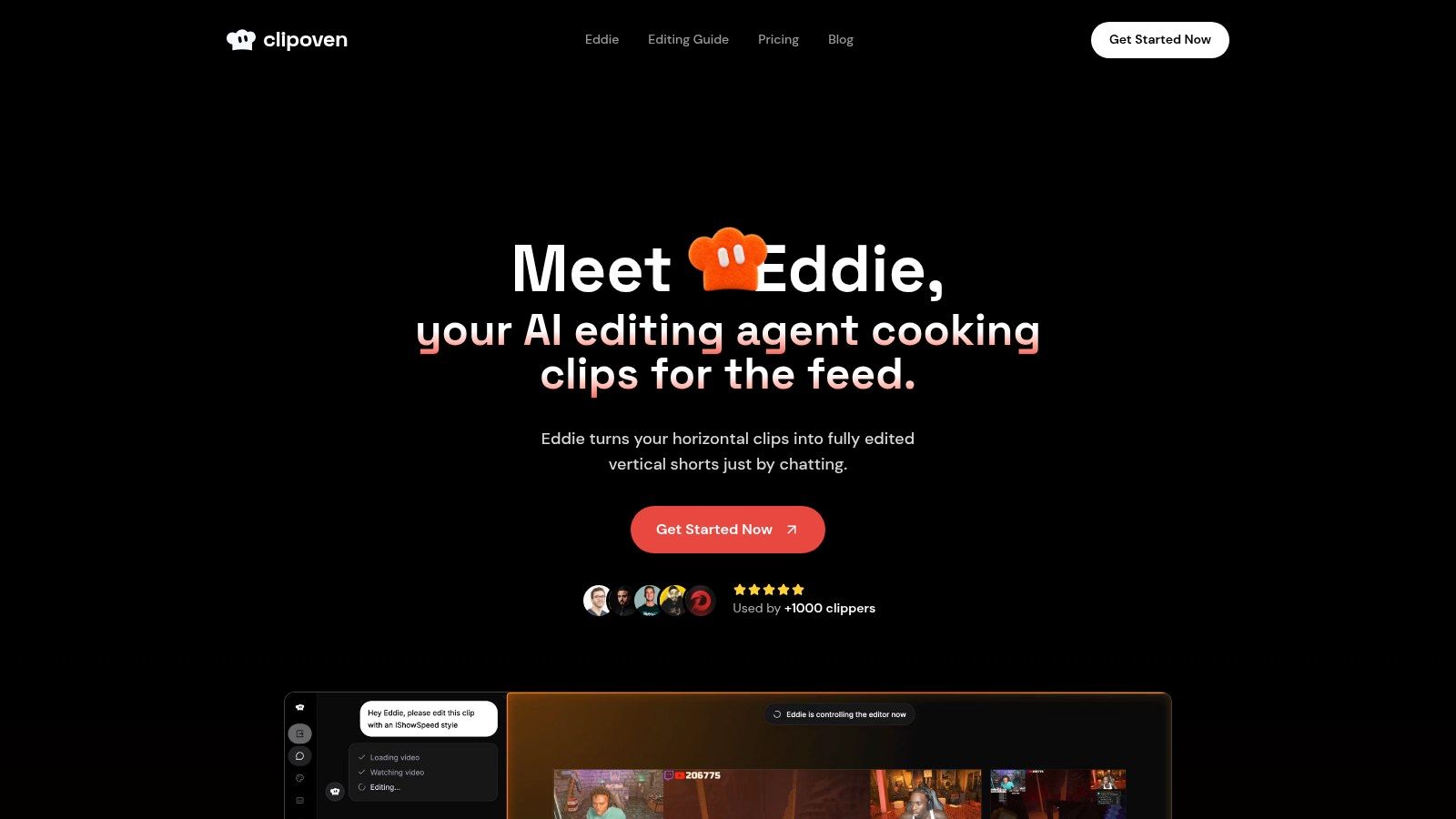
ClipOven stands out because it treats short-form vertical editing as the product, not a side effect. Its workflow starts with Eddie, an AI editor you can brief in chat, then hands the result to a full timeline editor so you can correct pacing, captions, and layout without abandoning the draft. For creators turning long horizontal footage into ready-to-post shorts, that combination matters more than flashy automation.
Best for creators who want the first draft done fast
The key judgment ClipOven automates is assembly. Eddie proposes cuts, animated captions, and effects from a creative brief, then the editor can refine those choices in a full timeline with audio effects, GIFs, stickers, and images. That makes it especially practical for Twitch streamers, gaming creators, YouTube Shorts editors, social managers, and small agencies that need a repeatable way to turn long sessions into social-ready clips.
Its vertical logic is the key differentiator. ClipOven is built for 16:9 to 9:16 reframing, tighter pacing, reduced dead air, and captions designed for vertical reading, with exports in crisp 2K. The result is not just a clip, it’s a platform-shaped asset that already understands the feed it’s going into. You can see how the product frames that philosophy in its own best clipping software guide.
Practical rule: If a tool gives you a strong first pass and still leaves room for human correction, it saves time without boxing you into its defaults.
What to watch before you commit
ClipOven’s credit-based pricing requires planning, because usage varies with clip length, complexity, and model choice. The published guide says Hobby includes 1,000 credits per month, which it describes as roughly eight 1-minute clips, while Pro offers larger credit packs for higher volume. That flexibility is useful, but teams with heavy output still need to estimate demand before they scale.
The tradeoff is simple. ClipOven reduces the manual work of reformatting, captioning, and polishing, but brand nuance still benefits from a final pass in the full editor. That’s not a weakness, it’s the right division of labor for creators who want automation to speed them up rather than replace judgment.
2. OpusClip
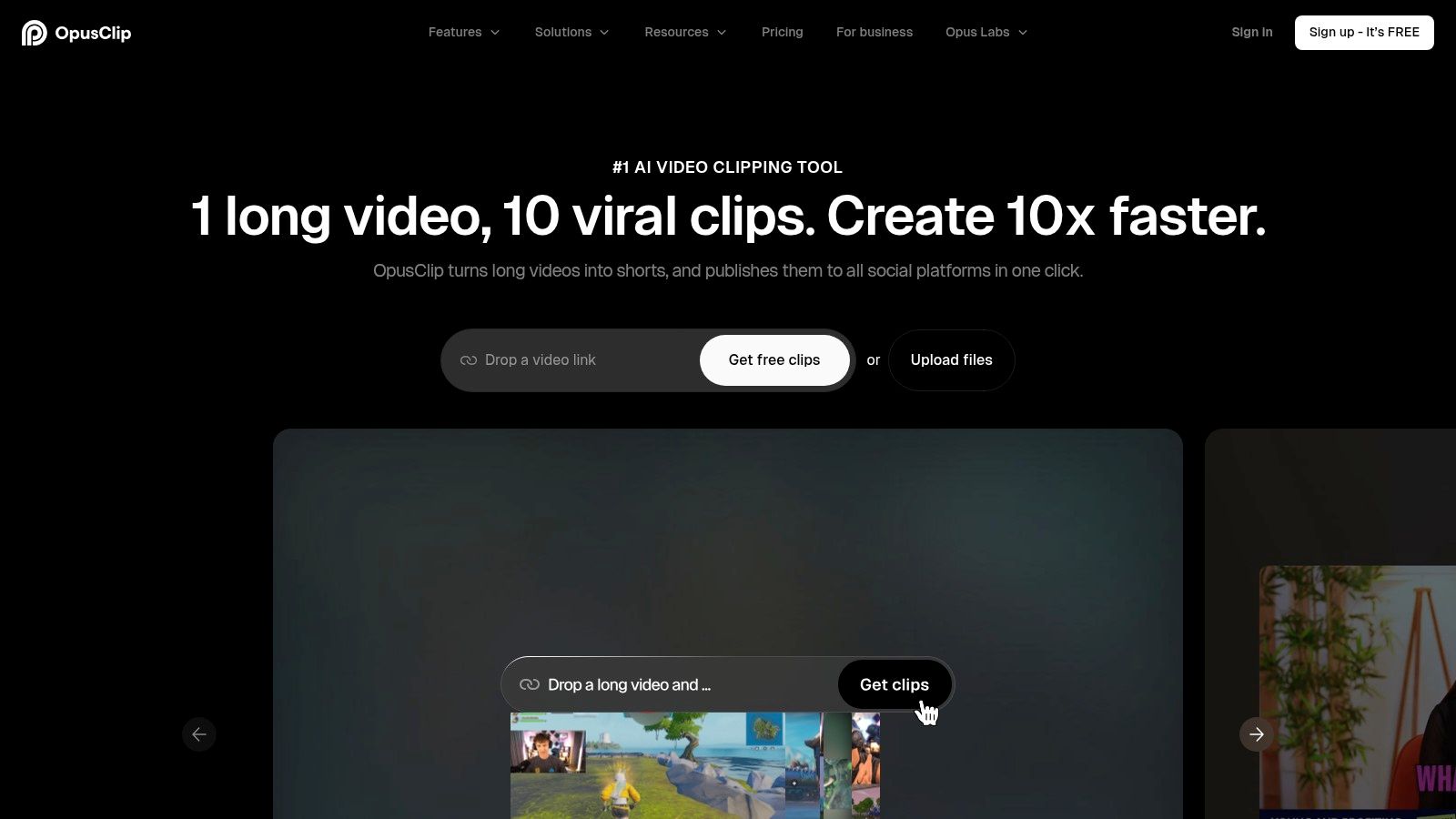
You have a two-hour recording and forty minutes before the post goes out. OpusClip is built for that kind of pressure. It looks for high-retention moments, assigns a Virality Score, and turns them into vertical clips with captions and AI B-roll. The tool automates the first judgment call, which is finding material worth cutting, then leaves room for a human to decide whether the framing still fits the message. For a closer look at how automated assembly compares with manual shaping, see our automatic video editor guide.
Best for highlight hunting at volume
OpusClip automates the judgment of what feels clip-worthy. Its highlight detection, auto title and captioning, and auto reframe for 9:16 are aimed at creators with too much source footage to review by hand. The chat-assisted editor matters because it keeps the workflow from stopping at the draft stage, letting you tighten a cut or rewrite the framing when the machine gets close but not exact.
The workflow breadth is useful too. Higher tiers support more multi-aspect-ratio production and team-oriented use, so agencies or channels turning one recording into several platform-specific outputs can keep much of the assembly in one place. That fit is different from a pure clip finder, because it supports the full path from long video to multiple publishable versions.
OpusClip’s strength ends where context gets specific. The AI B-roll layer can feel thin on longer source videos when a clip depends on a precise visual or verbal reference, so the draft still needs review before publication. Teams that want fast selection and formatting will get real speed here. Teams that need every insert to carry exact brand or narrative meaning should expect a final manual pass.
3. Munch
Munch is the right pick when the clip is only one part of the job. It repurposes long video into short-form clips, but it also generates supporting assets such as titles, descriptions, and social copy, which makes it useful for teams that think in campaigns rather than single uploads. The tool’s value is in turning one recording into several channel-ready outputs.
Better for cross-channel repurposing than minimal clipping
Munch automates the judgment of how to package one source across multiple surfaces. It takes long video, reframes it for Shorts, Reels, and TikTok, and then extends the asset into other formats that can support distribution. That can be a good fit for brands, solo marketers, or content teams that don’t want to hand-build every caption and post blurb after the clip is done.
Its public changelog also suggests a product that’s actively iterating, which matters in a category where workflows change fast. When a platform keeps updating, you’re less likely to get stuck with a frozen feature set that no longer matches how social teams publish.
Use Munch when: one recording has to fuel clips, copy, and distribution assets, not just a single short.
The tradeoff
The broader repurposing focus can make it feel heavier than a clipper built for pure speed. If all you need is a strong vertical draft, Munch may be more system than you want. If your team wants clips plus the surrounding text assets, it’s a better operational fit than a point solution.
The practical question is whether you want automation to stop at the edit or extend into the publishing stack. Munch is built for the second case.
4. Dumme
Dumme is aimed at one of the hardest clipping problems, speech-heavy content that needs context preserved. Podcasts, interviews, and conversation-led videos often fail when a tool grabs a good sentence but strips away the setup that makes it make sense. Dumme’s pitch is that it finds the keeper and keeps enough surrounding context for the clip to still land.
Context matters more than speed here
The judgment Dumme tries to automate is what belongs around the moment, not just the moment itself. That makes it interesting for creators who publish long conversations and want multiple shorts without manually reconstructing the surrounding argument each time. Auto captions, titles, and vertical formatting help it move from discovery to publishable output quickly.
The platform also leans into low-touch publishing, with direct uploads to Shorts, TikTok, and Reels. For teams that want to browse generated clips, select the ones that work, and move on, that’s a cleaner path than a deep editor full of tools they’ll never use.
Availability is the caution
The downside is practical. Dumme’s public site has emphasized a waitlist, so availability may not be as straightforward as with more established tools. Pricing hasn’t been clearly public, either, which makes budgeting harder if you’re trying to standardize a workflow across a team.
For speech-driven content, though, the product logic is sound. If your source video lives or dies by whether the surrounding context survives the cut, Dumme is built around that problem rather than around generic video polish.
5. Captions
A talking-head take on your phone can be ready for social faster than a traditional edit, and Captions is built for that kind of workflow. It automates captions, reframing, AI zooms, and other polish tools, so the main judgment it handles is presentation, not story discovery. That makes it practical for creators who want to record, tidy the clip, and publish without moving into a full desktop NLE.
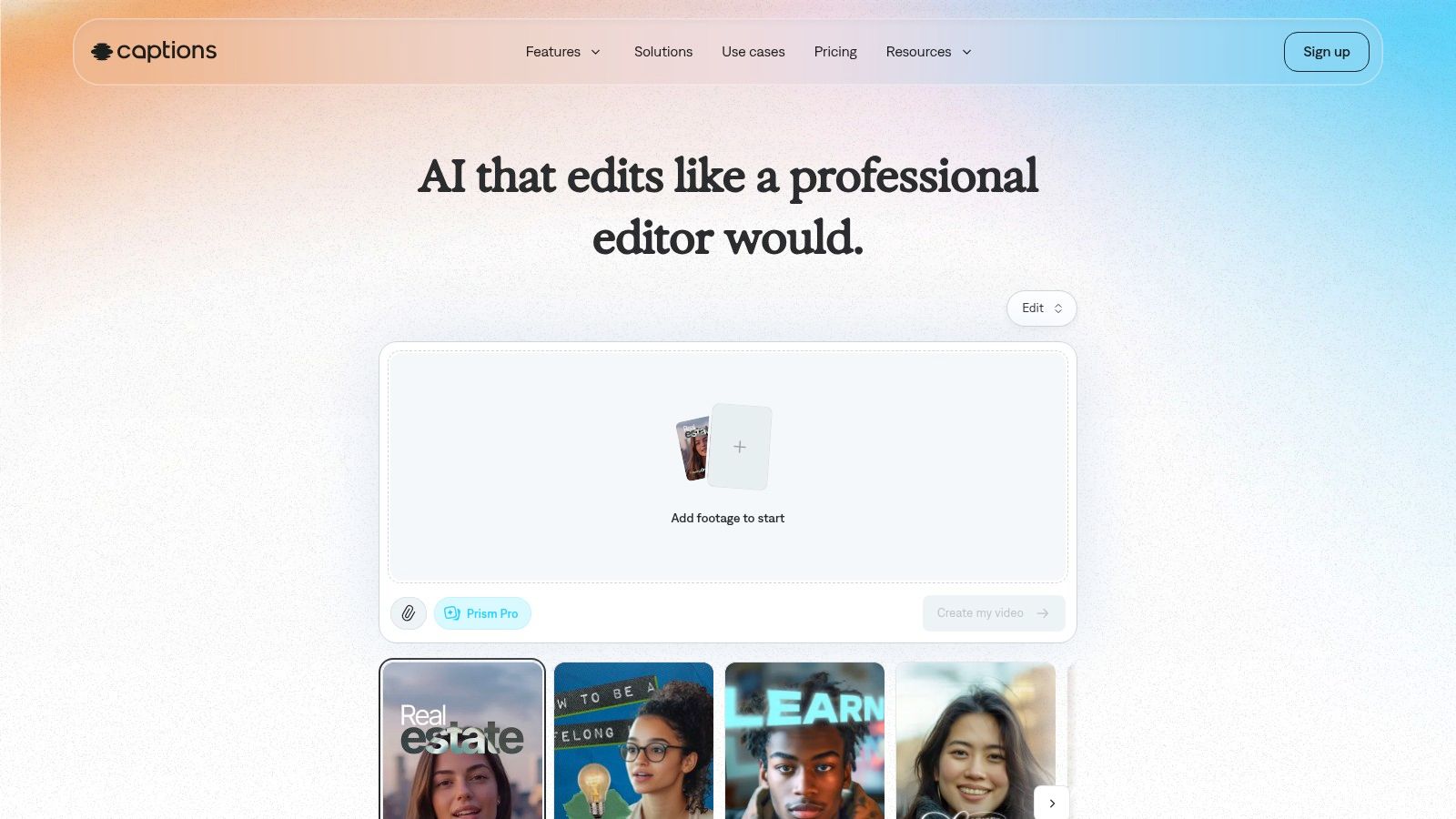
Captions is most useful when the clip already works and the editing job is to make it look ready for a vertical feed. Auto captions come with style controls, AI Zoom and Scale help reframe face-forward footage, and the app adds SFX, music, voiceover, and a teleprompter. For a walkthrough of caption styling on TikTok specifically, see our auto captions for TikTok guide.
The cross-platform setup matters as much as the feature list. iOS, Android, and web support let you start on a phone after recording and finish on a larger screen if the text, crop, or timing needs a second pass. That fits creators who move fast and want fewer handoffs between capture and publish.
Captions is less convincing once the job turns into structural editing. If you need detailed timeline work, it is easier to outgrow than a desktop editor, and teams that want only auto-clipping may find the broader creator suite more than they need.
Best fit: creator-led talking-head content where captions, framing, and speed matter more than deep editorial control.
It works well as a fast front end for social polish. It works less well as the final system for multi-layer edits.
6. Descript
Descript is the transcript-first option for people who think in words before they think in frames. It gives you Create Clips, Find highlights, auto-captions, filler-word removal, Studio Sound, and an AI co-editor, which makes it especially strong for podcasts, webinars, and talking-head videos that need transcript-level control. When the source is dialogue-heavy, that text-based workflow is a major advantage.
Best for speech-driven repurposing
Descript automates the judgment of what the transcript should become. You can edit by text, clean up filler words, build social clips, and improve audio in the same workspace. That’s a better fit for creators who care about exact phrasing, precise cut points, and caption control than for teams that want a purely visual timeline.
The audio cleanup matters too. Studio Sound helps make rough recordings more usable, which can save a clip before it gets to the social stage. Eye Contact and Smart Zoom add finishing touches that make the output feel more deliberate without forcing a separate editing pass.
The tradeoff at scale
Descript’s usage model uses media minutes and AI credits, so accounting gets more complicated as volume grows. That’s manageable for small teams, but operationally less clean than a flat, clip-centric workflow when you’re processing a lot of content each week.
It’s also less specialized for gameplay or visual-first footage. If the true signal is in the transcript, Descript is excellent. If the true signal is in the screen action, another tool may read the footage better.
7. VEED
VEED is the most clearly generalist browser editor in this set. Its AI Clips feature turns long videos into Shorts, Reels, and TikToks, while subtitles, resizing, dubbing, and brand controls make it easier for teams to keep everything in one browser-based workspace. That makes it useful when clipping is just one part of a broader social production process.
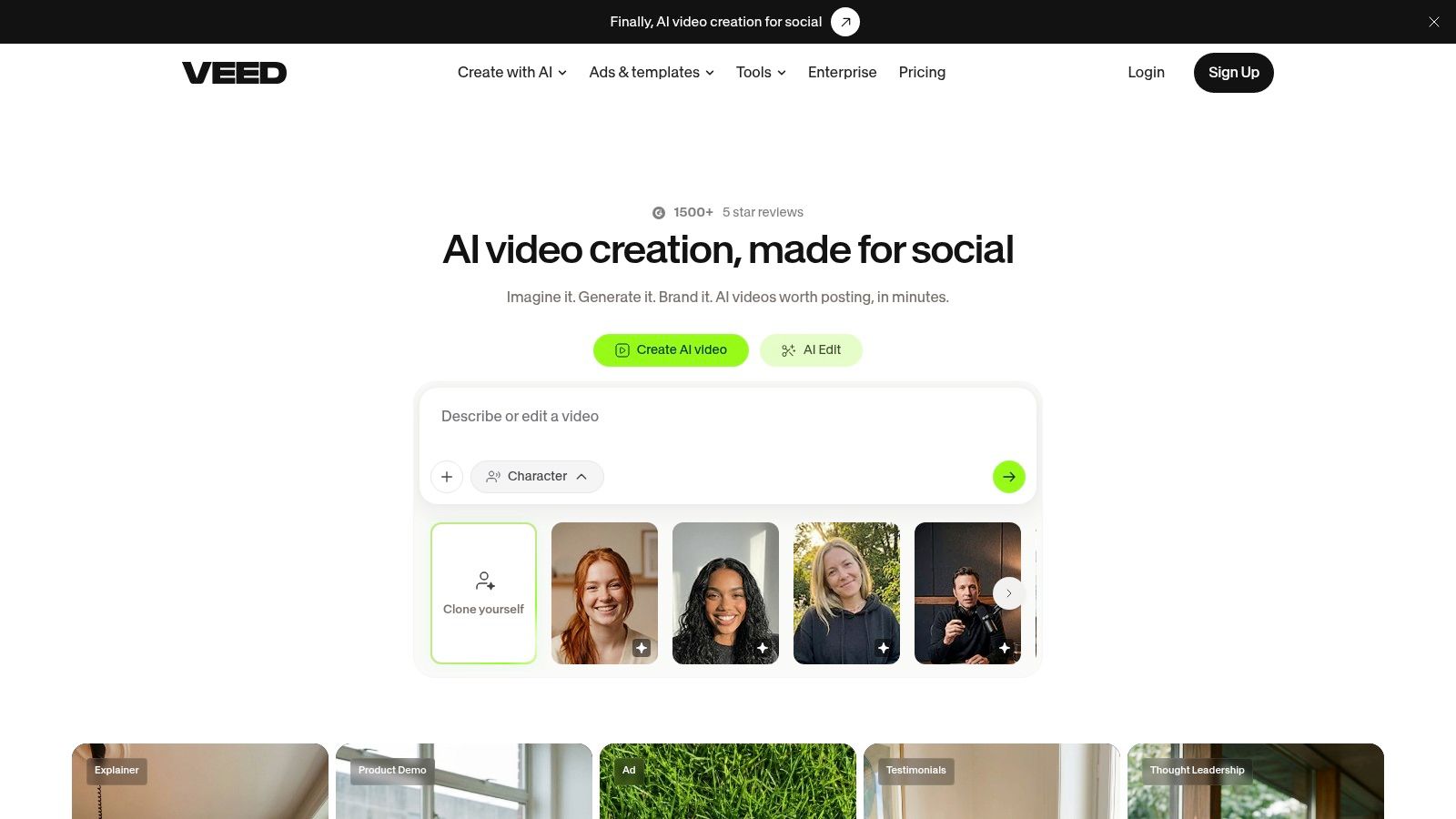
Best for teams that need collaboration and brand control
VEED automates the judgment of how a clip should be packaged for a team workflow. The AI Clips feature lets you steer the output toward a viral highlight or an insight teaser, and browser-based collaboration makes onboarding easier when multiple people touch the same asset. For marketing teams, that is often the core bottleneck, not the clip detection itself.
The broader set of tools also helps. Dubbing, automatic subtitles, resizing, and brand-friendly editing mean teams can handle more of the post-processing without leaving the platform. If your content operation includes review cycles, versioning, and repeated brand checks, VEED gives you enough structure to keep the process contained.
When it feels heavy
The downside of generalist tools is scope. If you only need a quick auto-clipper, VEED can feel like more editor than you asked for. It’s also worth remembering that some of its AI Studio workflows rely on stock assets rather than full synthetic generation, so the creative range isn’t unlimited.
For teams, that’s usually an acceptable trade. For solo creators chasing pure speed, it may be more tool than necessary.
8. Kapwing
Kapwing fits creators and teams that want clipping inside a simple browser editor with strong subtitle support. Its Smart Cut removes silences, auto-subtitles generate transcript-backed edits, and resizing plus templates make it easy to spin out social-friendly versions. The judgment it automates is mostly cleanup and packaging, not deep highlight discovery.
Best for rough cuts and subtitle-heavy workflows
Kapwing automates the judgment of what should be trimmed out. Smart Cut is useful when silence removal and rough assembly matter more than finding a perfect virality moment. If your raw content is already fairly structured, that’s enough to get you to a usable first draft quickly.
The subtitle layer is the core strength. Auto-subtitle and transcript generation support fast social packaging, and the browser-based project flow is simple enough for team sharing. That lowers the barrier for people who don’t want to learn a more complex editing stack just to make short-form video.
What it doesn’t try to do
Kapwing is less specialized for auto-finding the strongest highlights than dedicated clippers. That matters if your workflow starts with a long recording full of candidate moments and you want the software to make a harder editorial call for you.
The credit and minute model also means heavy use needs monitoring. For teams that do a lot of dubbing or subtitle work, the accounting matters. For lighter social production, it stays pleasantly simple.
9. Wisecut
Wisecut is built for autopilot-style editing. It removes silence, adds captions, ducks background music, and can generate short-form clips with scheduling layered in. That makes it especially useful for creators who want a hands-off path from talk-heavy footage to social output.
Best for talk-to-camera and podcast cleanup
Wisecut automates the judgment of flow. The silence removal and jump-cut behavior help it tighten recordings that would otherwise need a lot of manual trimming. Music ducking and captions add the kind of polish that makes a talking-head clip feel finished without a separate mix pass.
The scheduling layer is useful too. If your team treats editing and posting as part of the same process, Wisecut can reduce the number of tools in the handoff. That makes it appealing for solo creators and small teams who need something practical rather than highly customizable.
The part that takes planning
Its credit system can be confusing at first because editor and autopilot usage aren’t identical. Export caps and file-size limits can also vary by tier, so teams should check those boundaries before they build a process around the platform.
Wisecut makes sense when speed and automation beat fine editorial control. If your clips need a lot of visual shaping or brand-specific polish, another editor may be a better last-mile tool.
10. Eklipse
Eklipse is the most obviously streamer-first tool on the list. It connects to Twitch, Kick, and YouTube, scans VODs, auto-clips highlights, converts them into vertical formats, and adds captions and templates. For gaming creators, the central judgment isn’t speech transcription, it’s whether the platform can recognize the kind of moment audiences want to see again.
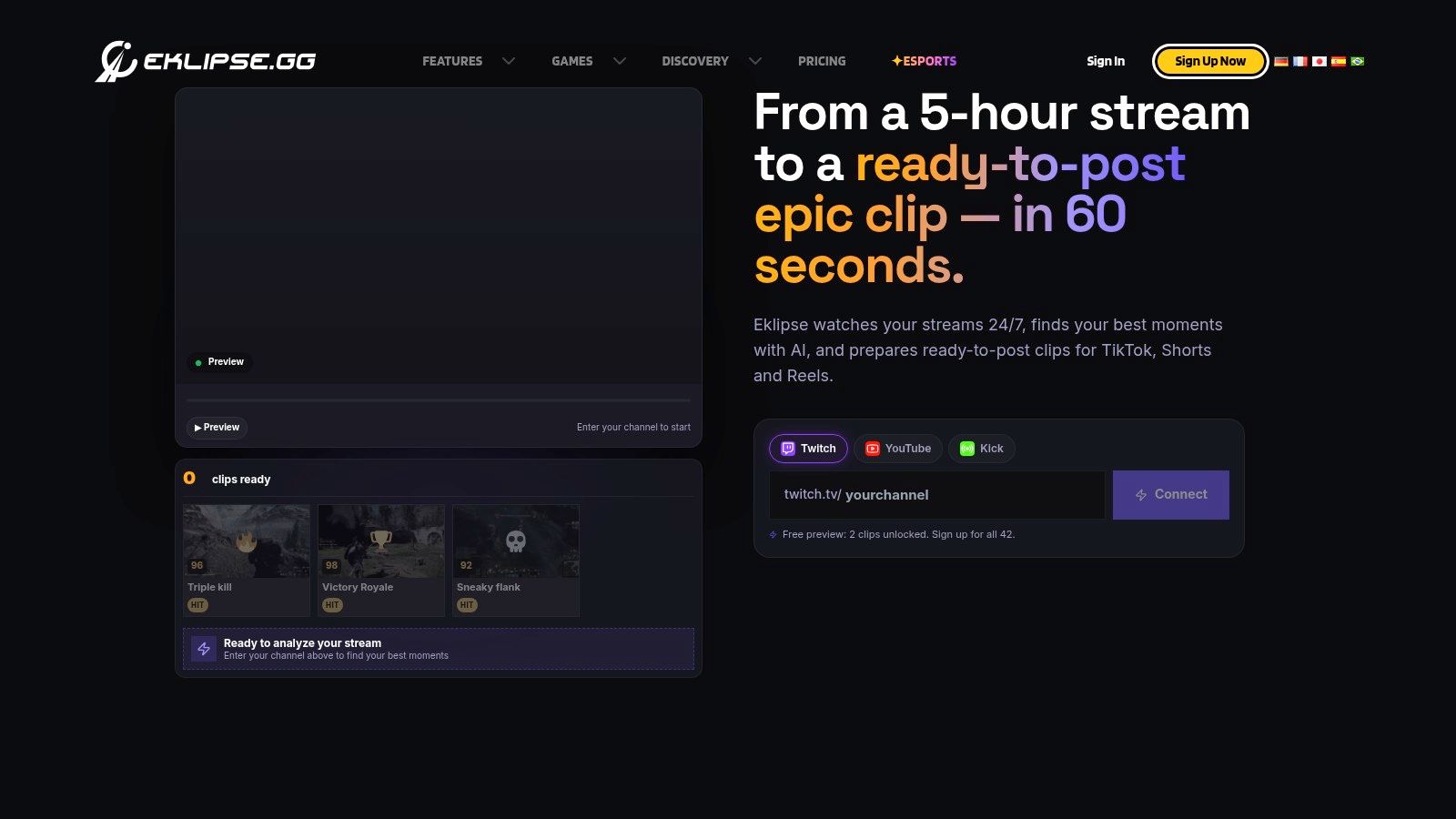
Best for gameplay highlights and stream workflows
Eklipse automates the judgment of game-aware significance. That matters because stream content often has signal in reaction, timing, or on-screen action rather than in polished dialogue. Voice Command for manual marking and a studio editor for fine-tuning give creators a way to steer the machine when the highlight is obvious to the streamer but not obvious to the algorithm.
The cloud-based workflow also helps. You don’t need heavy local hardware to process clips, which lowers friction for streamers who already juggle a lot of tools. That’s a practical advantage when the editing workflow has to stay close to the live content pipeline.
The limitation is format fit
Eklipse is best suited to gaming and stream formats. It’s less natural for marketing videos or other non-game use cases where the signal is more narrative or brand-driven. Its paid-service approach also means you should check plan details before assuming the workflow will scale the way you want.
For VOD highlights, though, it’s a specialist. And in this category, specialists usually beat generalists when the footage is messy.
AI Video Clippers, Top 10 Feature Comparison
| Tool | Core features | UX / Quality (★) | Unique selling points (✨) | Target audience (👥) | Pricing / Value (💰) |
|---|---|---|---|---|---|
| clipoven 🏆 | 16:9→9:16 reframing, chat agent (Eddie), animated captions, full timeline | ★★★★★ 2K exports | ✨ Purpose-built vertical, chat→editor workflow, subject-centric reframes | 👥 Streamers, Shorts/TikTok creators, social managers, small agencies | 💰 Credit-based (Hobby/Pro), predictable credits, unlimited daily projects |
| OpusClip | AI highlight detection, Virality Score, auto-reframe, AI B-roll | ★★★★☆ fast drafts | ✨ Virality scoring + AI B-roll for attention moments | 👥 Creators & teams, multi-aspect pipelines | 💰 Credit-based, team tiers |
| Munch | Auto clip generation + multi-asset outputs (posts, threads, carousels) | ★★★★☆ multi-output | ✨ Consolidates clips + cross-channel collateral | 👥 Brands, creators needing multi-asset repurposing | 💰 Tiered pricing; feature-dependent |
| Dumme | Multi-clip gen, context-aware cuts, direct uploads to platforms | ★★★☆☆ low-touch publish-ready | ✨ Context-preserving for speech-driven sources | 👥 Podcasters, interview producers, low-touch publishers | 💰 Pricing not public; waitlist / limited availability |
| Captions | Auto captions, AI Zoom/reframe, teleprompter, mobile-first tools | ★★★★☆ mobile-optimized | ✨ Fast shoot-to-post on phone, rich AI utilities | 👥 Mobile creators, talking-head influencers | 💰 Store-dependent pricing; web often best value |
| Descript | Text-based editing, Create Clips, Studio Sound, filler removal | ★★★★☆ precise transcript workflows | ✨ Transcript-first editing + audio cleanup | 👥 Podcasters, educators, narrative creators | 💰 Metered (media minutes + AI credits) |
| VEED | AI Clips (goals), auto-subtitles, resize, dubbing, team collaboration | ★★★★☆ browser collaboration | ✨ Team/brand tools in browser with AI studio | 👥 Social teams, marketers, agencies | 💰 Team plans, browser-based billing |
| Kapwing | Smart Cut (silence removal), auto-subtitle, 9:16 resize, templates | ★★★★☆ shareable web UI | ✨ Low-friction web projects + subtitle tooling | 👥 Casual creators, marketers, small teams | 💰 Credits/minutes, clear plan limits |
| Wisecut | Autopilot edits, silence removal, captions, music ducking, scheduling | ★★★★☆ autopilot for talk formats | ✨ Hands-off editing + social scheduling | 👥 Creators & podcasters wanting autopilot | 💰 Credit/minute tiers; export caps vary |
| Eklipse | Game-aware highlight detection, auto-clip, vertical formatting, mobile app | ★★★★☆ streamer-focused | ✨ Optimized for gaming signals, voice command marking | 👥 Streamers & gamers (Twitch/Kick/YouTube) | 💰 Paid service; no free tier (check plans) |
Choose the Clipper That Matches Your Review Process
The cleanest way to choose an AI video clipper is to start with your review process, not the marketing page. If you need fast reframing and editable control, a purpose-built vertical workflow makes the most sense. If your source is podcasts or interviews, transcript-led tools are stronger because they preserve the logic of the conversation. If you record on a phone and publish quickly, mobile-first editors are a better fit. If you clip gaming VODs, use a streamer specialist. If your team also needs collaboration, subtitles, dubbing, or broader social production, a generalist browser platform can be more efficient.
The smartest test is simple. Feed each tool representative footage, not a clean demo file, and check whether it selects the moments you would publish. Inspect caption timing, subject tracking, and the amount of manual correction needed before the clip feels ready. If the platform uses credits, calculate how that usage maps to your real volume before you commit, because the cheapest-looking plan is rarely the cheapest in practice.
The other thing to watch is the boundary between automation and judgment. The best tools don’t pretend the machine can handle every nuance. They give you a strong first draft, then make it easy to correct pacing, context, and brand details without rebuilding the whole edit.
For teams that want short-form output built around that exact balance, ClipOven is worth a closer look. It’s built to turn horizontal footage into vertical shorts with chat-driven assembly, then hand you a full editor for the final pass, which is the right shape of automation for creators who still care about the cut.
ClipOven is built for creators and teams that want faster vertical short production without giving up control. If you’re comparing an AI video clipper for TikTok and YouTube Shorts, visit ClipOven and see how Eddie turns long footage into a draft you can refine, not just a clip you have to fix from scratch.